


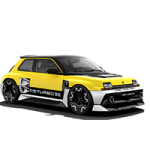
an exploration behind ‘cars for living’

RENAULT R-SPACE LAB

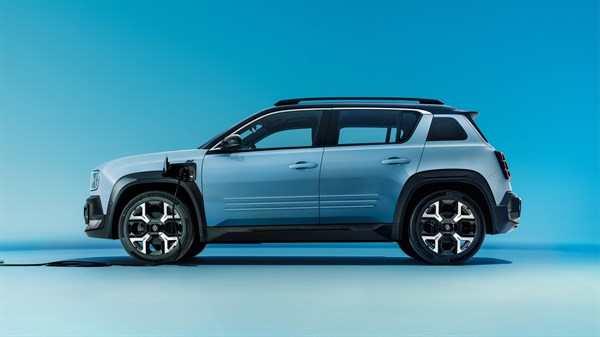
Renault R-Space Lab explores the onboard experience of tomorrow’s ‘cars for living’


a bright, modular cabin, where technologies and spaces intuitively adapt to every moment of life

  • clean lines, monospace-inspired architecture

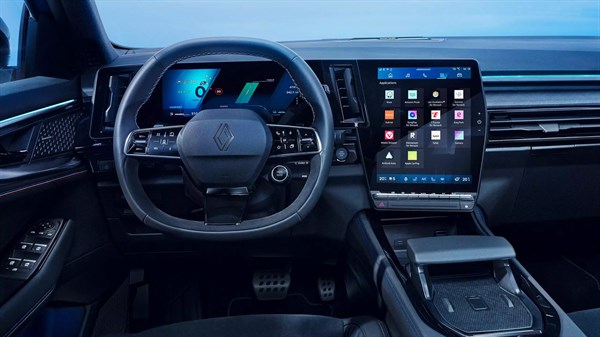
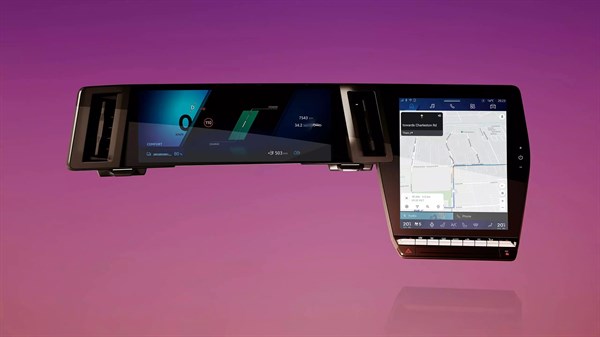
high‑tech cockpit

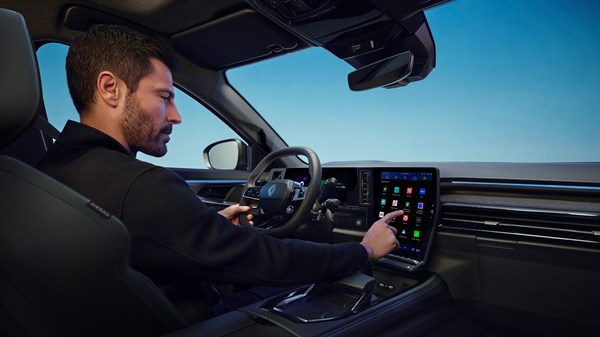
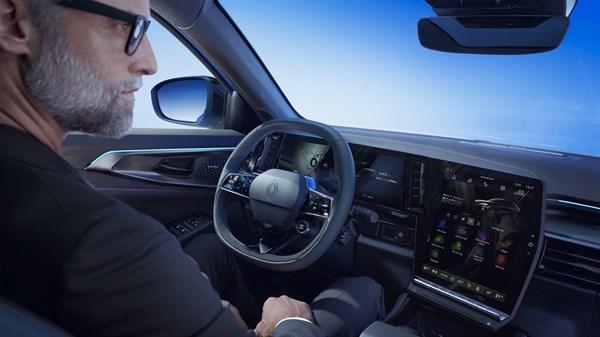
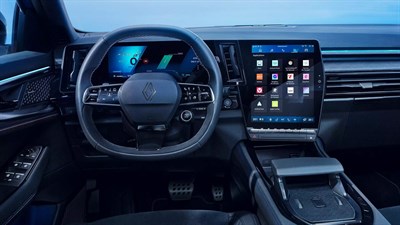
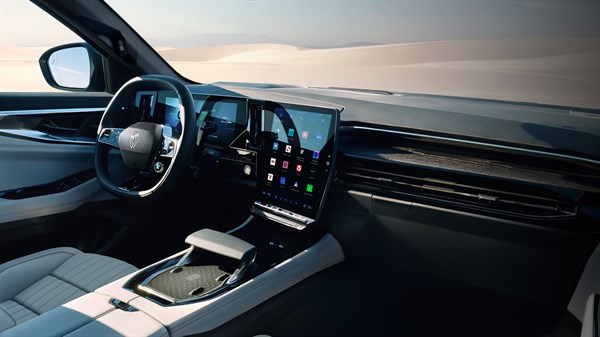
The Renault R-Space Lab cockpit brings to life a new onboard experience: immersive, shared, intuitive, and seamless. All designed around passengers.

openR panorama

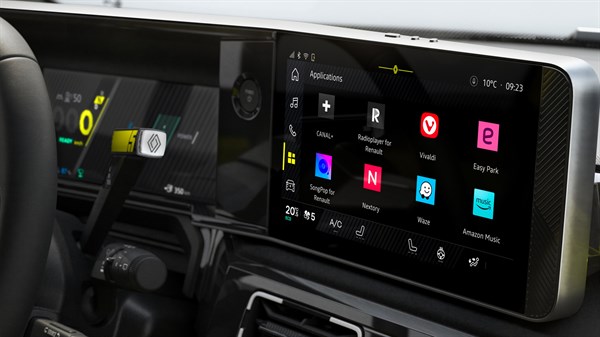
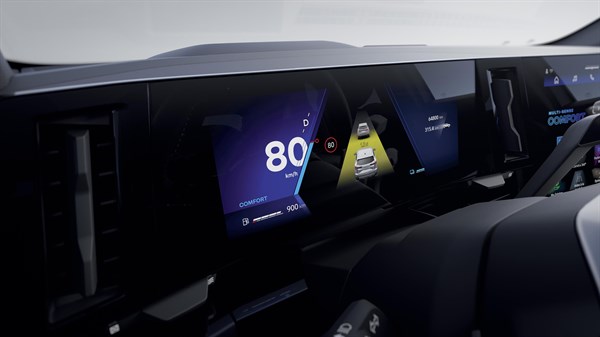
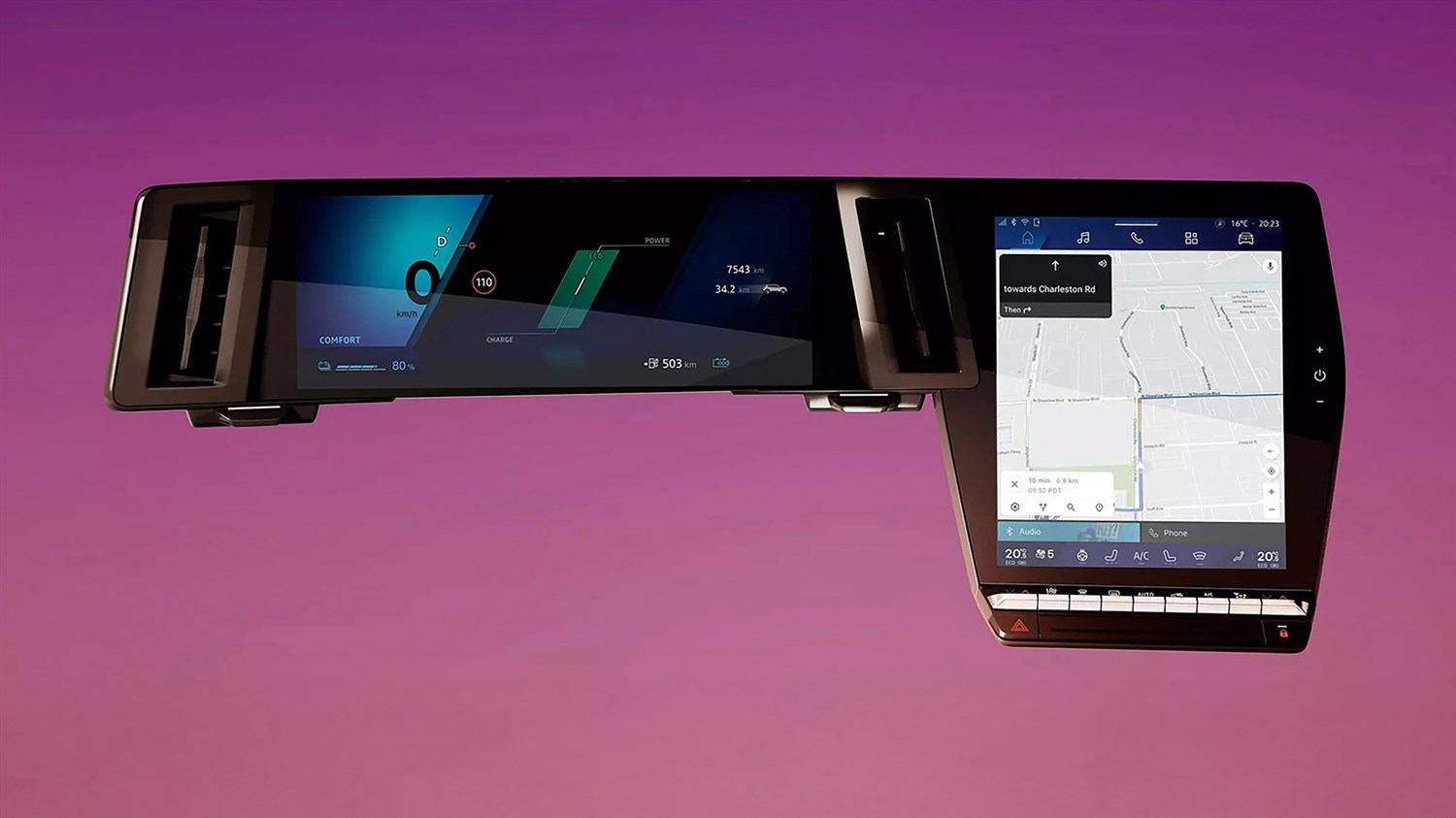
The curved openR panorama screen extends seamlessly across the dashboard. Speed, driver-assistance information and media content are displayed with excellent clarity, and touch controls feel as intuitive as a smartphone.

compact steering wheel

The compact steering wheel opens up the view and enhances driving comfort. Electronic steering delivers both precision and a smooth drive.

human first program, safety by Renault

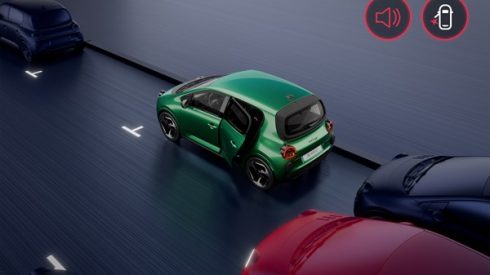
Renault R-Space Lab explores new solutions dedicated to the safety of passengers and road users. Onboard AI enhances the safety coach with predictive features and personalised advice, while the tactile alcohol-detection sensor encourages responsible driving.

ultra-modular space for living

The interior of R-Space Lab adapts to different uses and introduces new onboard experiences. At the front, the passenger seat slides toward the second row to make interaction with other occupants easier. At the rear, 3 equally wide individual seats recline, fold and slide over to offer a wide range of seating configurations.

sense of space

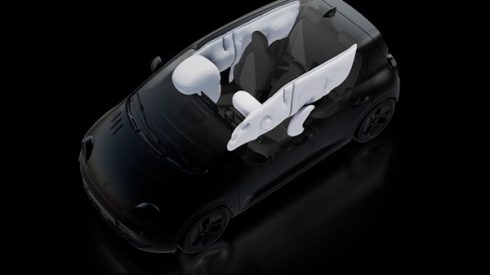
The openR panorama screen frees up space at the front, and on the passenger side. Airbags usually housed in the dashboard are integrated into the seat to offer greater space and flexibility.

ingenuity for comfort

The ingenious multi-function glove box can hold a digital tablet, secure a bag, or convert into a footrest to create a genuine space to relax.

exceptional brightness, amplified sensations

R-Space Lab offers a bright interior with a seamless sense of connection to the outside world. A fully glazed roof flowing from the windshield, slim pillars and frameless doors all contribute to an immersive view of the surrounding landscape.

also discover

Renault concept cars

discover >

the Renault brand

discover >

openR link system configuration
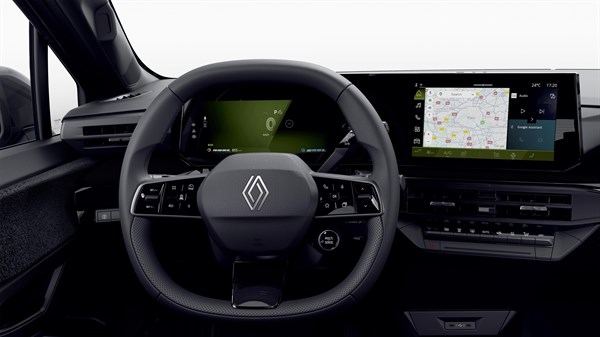
To get started with your openR link multimedia system, you need to have:

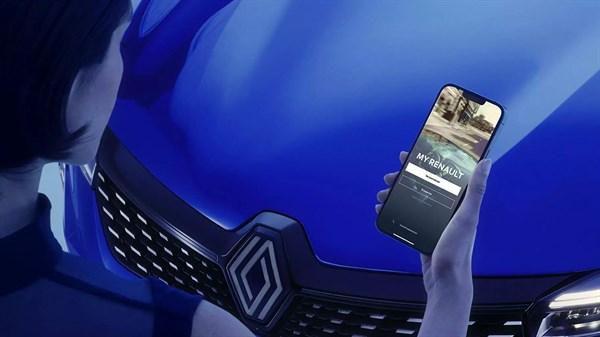
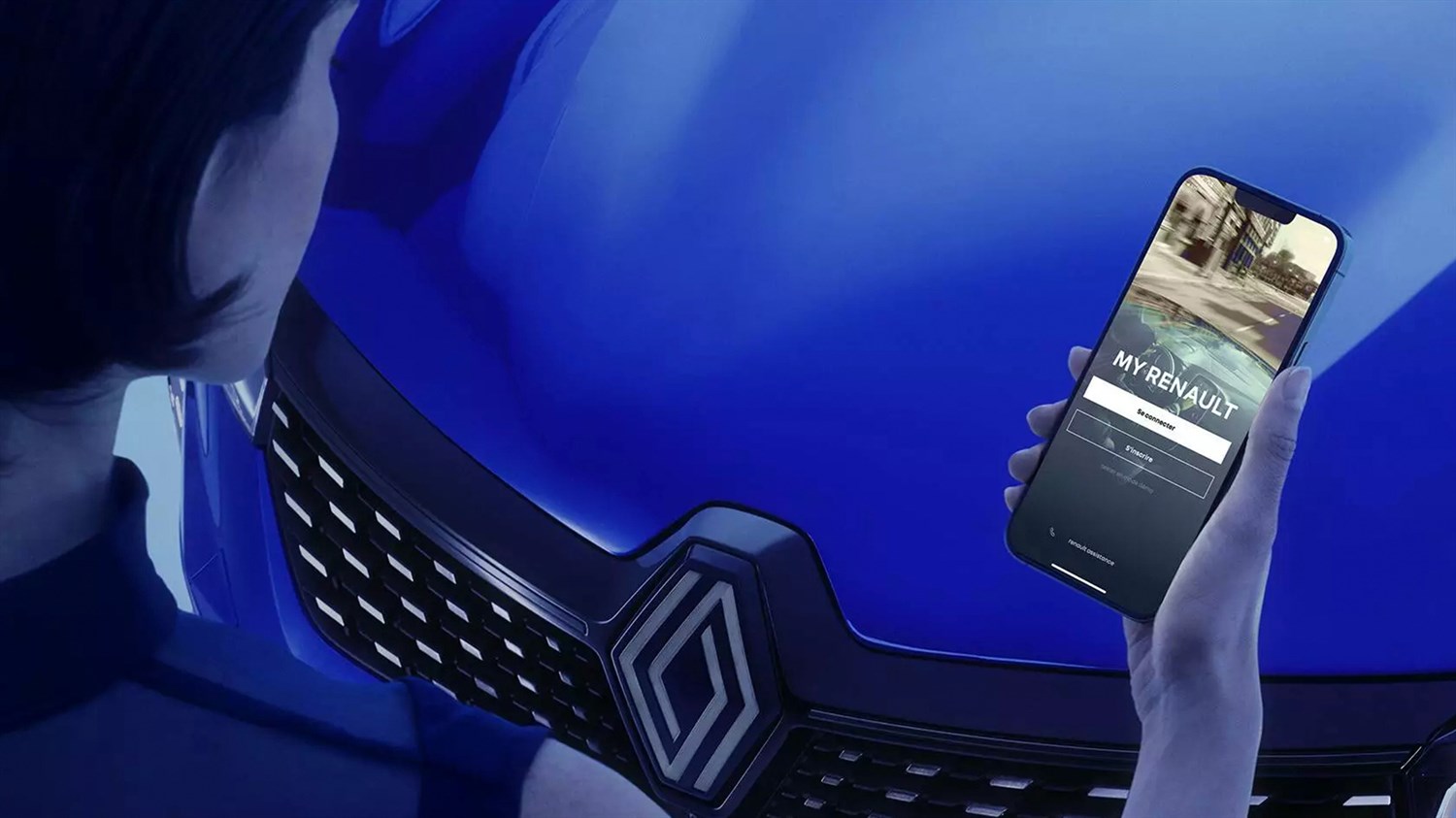
  • a My Renault account and the My Renault app on your smartphone
  • a Google account with the email address of your choice
  • your accounts registered in the openR link system
  • internet connectivity for apps downloaded from Google Play

Follow the steps to set up your openR link multimedia system and discover all the available services and features.

create your accounts

your personalised space

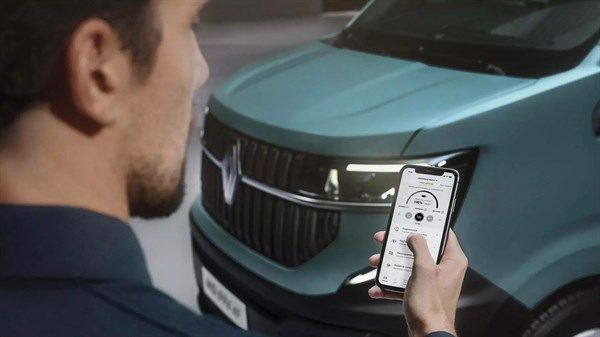
With My Renault, you have access to a world of services to manage and connect your vehicle: remotely consult your dashboard, contracts and warranties, track maintenance and schedule servicing. Take advantage of the available connected services: geolocation, remote recharging, trip planner and stay in touch with your dealership or a Renault expert.
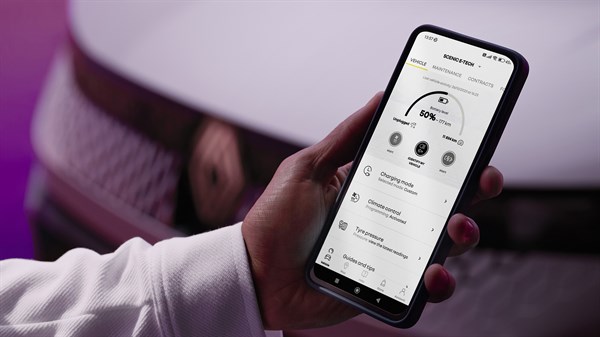
find out more about My Renault

My Renault account creation

Step 1: download the My Renault app from Google Play or the App Store.

Step 2: Create your personal space, go to the My Renault portal or your My Renault app and enter your email address to log in or set up a new account.

As soon as you receive your vehicle, you can synchronise your car with the My Renault account to use your connected services remotely. Follow this link to find out more about My Renault synchronisation.

find out more about creating a My Renault account

Google built-in

Enjoy a connected, intuitive and immersive experience with Google built-in features.* Connect your car to a Google account to unlock the full potential of Google Maps, Google Assistant and Google Play.
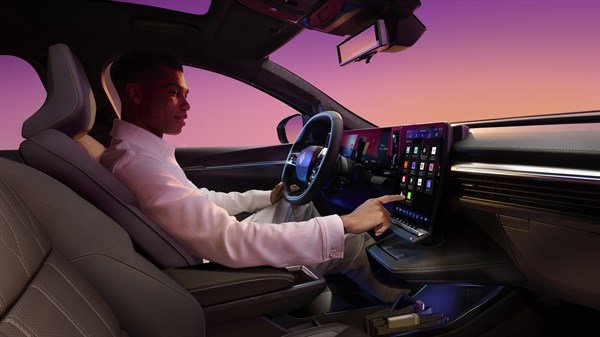
find out more about Google built-in

Google account creation

Step 1: visit www.google.com/accounts from your smartphone or computer.

Step 2: Create your Google account by entering the email address of your choice.

As soon as you receive your car, you can enter your Google account details on openR link to enjoy a complete in-car experience with Google.

find out more about creating a Google account

*Google, Google Play, Google Maps, Waze and other brands are trademarks of Google LLC.

set up your openR link profile​

1. CHOOSE TO SHARE YOUR DATA WITH RENAULT AND GOOGLE
During initial configuration, you will be asked to share your data with both Renault and Google. By accepting, you authorise, for example, the sharing of geolocation data necessary to use Google Maps or to find your vehicle from your smartphone.

2. CONNECT YOUR MY RENAULT AND GOOGLE ACCOUNTS WITH YOUR RENAULT
With your dealer’s help, link your My Renault and Google accounts to the openR link system and get a unique driving experience that is designed for you. Simply follow the steps indicated by the multimedia system.

activate internet to use your apps​

To use apps downloaded from Google Play on the openR link system, dedicated connectivity is required. Activate the internet connection applicable to your Renault according to your model and date of manufacture.
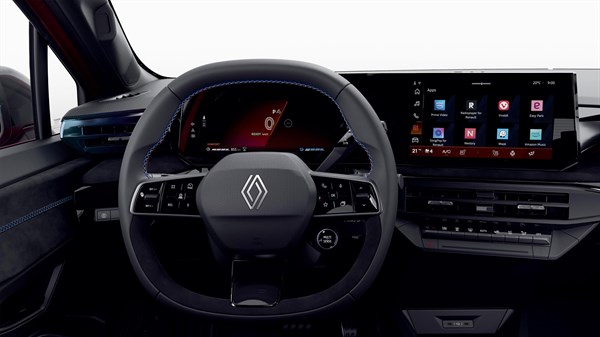
Renault connectivity

Depending on your model and its date of manufacture, and if your vehicle is equipped with the ” advanced connectivity pack “, you can activate the included internet package as follows: click on the ” onboard internet ” button on the home page of your My Renault app.
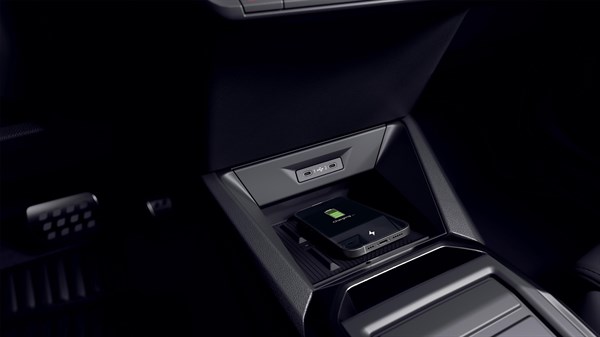
For all vehicles with the openR link multimedia system with Google built-in, you can share your phone’s connection with your Renault.

For this, go to your phone’s Settings menu. Then, select Personal Hotspot and accept the conditions. Switch on your openR link system in your vehicle and activate the Wi-Fi.

watch the video tutorial  >

frequently asked questions

My Renault is designed to make your life easy. Without a personal profile, you cannot view your vehicle’s data in real time.

Creating a My Renault account is also a prerequisite for using your remote services.

Without a Google account associated with your openR link system, you won’t have access to Google Play apps.

We recommend that you set up a Google account in each user profile to personalise your experience.

When you create a Google account, a Gmail address is created automatically. However, if you prefer to use an email address other than Gmail to log in, you can associate it with your account and also use it to retrieve your password, receive notifications, etc.

If you are unable to link your accounts to your openR linksystem, please contact your professional at Renault at XXX.

You can modify your accounts at any time. To do this, go to your profile and delete your existing accounts, then replace them with the new ones by following the steps in the configuration wizard.

No, as soon as the internet is activated in your vehicle, all user profiles can benefit from it.
need help?

go further

openR link connectivity

connectivity for your journeys

Your car is natively connected for onboard navigation, for using onboard apps and for interacting with your vehicle from your smartphone.

Discover below the new connectivity packs available with the openR link multimedia system.

Renault connectivity packs

2 connectivity packs are included with the purchase of a new vehicle equipped with the openR link multimedia system and available for deliveries from spring 2026 and on new Clio:

  • the “standard connectivity pack“: available for 8 years, depending on model, version and country
  • the “advanced connectivity pack“: available for 3 years or for the duration of the Mobilize Financial Services rental contract. Renault also provides 2 GB/month of included data, corresponding to around 40 hours of music streaming or up to around 3 hours of video streaming
standard connectivity pack(1) pack advanced connectivity(2)
remote connected services
find out more
✓  ✓ 
navigation with Google Maps
find out more
✓ 
voice assistant with Google Assistant
find out more
✓ 
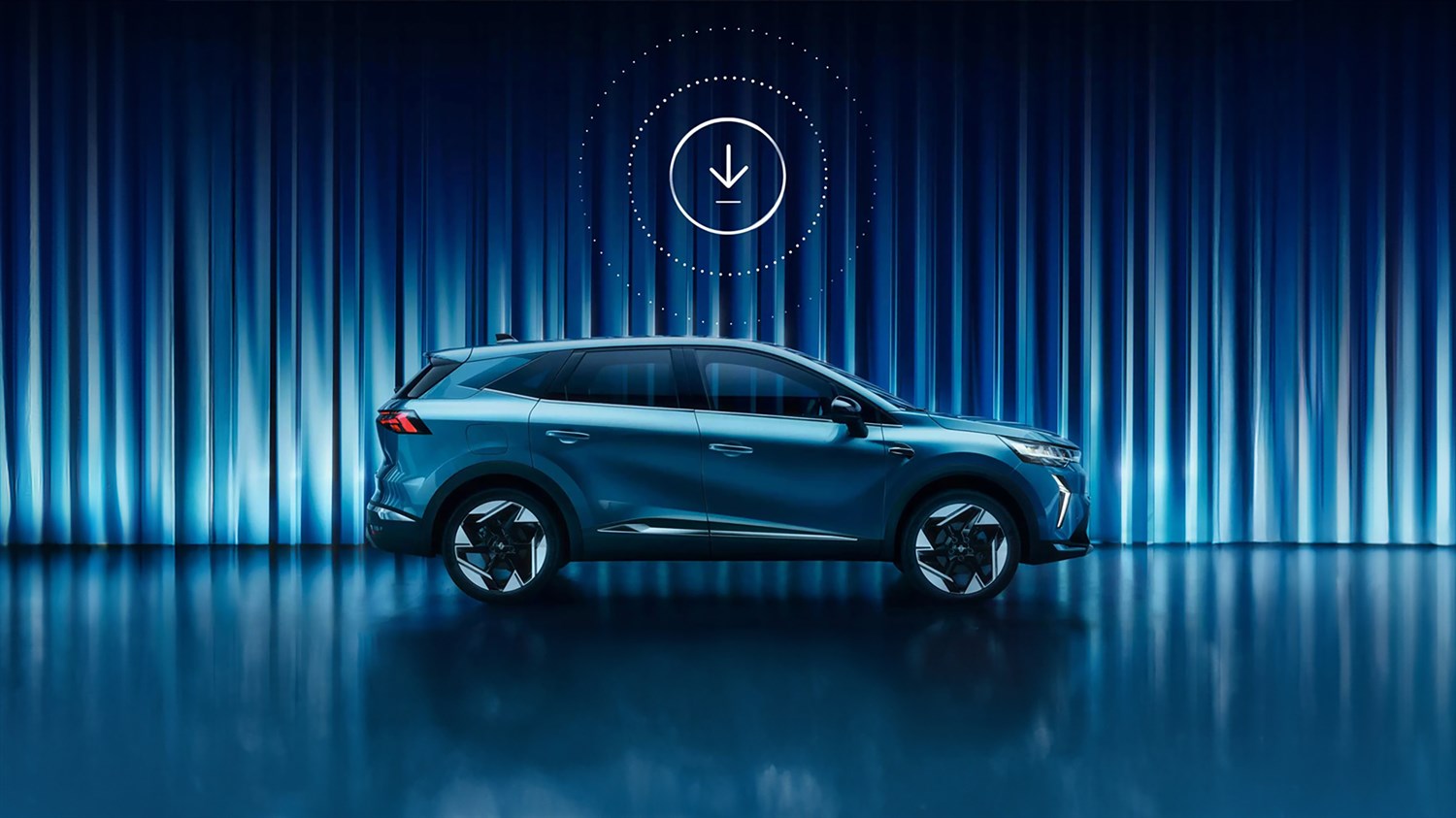
download and update apps from Google Play(3)
find out more
✓ 
use of apps downloaded on board(4)
find out more
✓ 
2 per/month
hello reno, the Renault avatar app with ChatGPT
find out more
✓ 
connected driver-assistance systems
find out more
✓ 

(1)  Included for 8 years.
(2)  Included for 3 years or the duration of the Mobilize Financial Services rental contract.
(3)  To download apps from Google Play, you must enter a Google account in your profile on openR link.
(4)  Use of apps downloaded from Google Play requires a dedicated data plan. Included with the purchase of your vehicle, you benefit from 2 GB per month for 3 years or for the duration of your Mobilize Financial Services lease. To activate it, you need to verify your identity in your My Renault app. You can also share your smartphone’s connection with your car.

your connectivity questions

Your vehicle comes with a connectivity pack. To use downloaded apps, you can use your phone’s hotspot.

Activation of connected services is carried out upon delivery to your dealer at the latest.

Yes, you need dedicated internet access in your car to use the apps downloaded from Google Play on your openR link.

If your car is equipped with the openR link multimedia system, launch the Google Play app to see all the apps available.

also discover

features and connected services*

customised recommendations

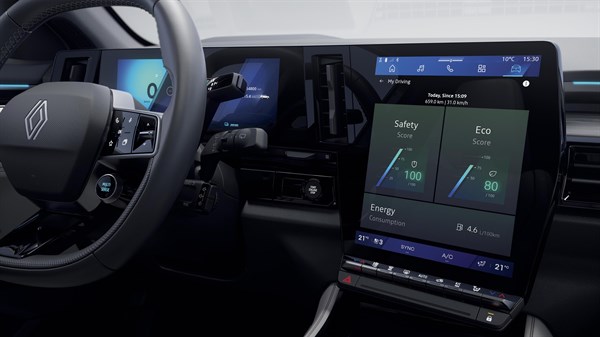
The safety score and safety coach offer customised recommendations for safer journeys. Their analyses of your driving style and the road ahead help prevent accidents by adapting speed, distance and trajectory.

find out more  >

proactive recommendations

To make the most of your driving experience, the vehicle offers you the option of adapting certain settings during your journey. For example, it may suggest that you choose a more suitable driving mode from the multi-sense modes available, or close your windows when air recycling is activated.

also discover

Renault navigation and connectivity

Discover all Renault multimedia systems and related connected services.

openR link with Google built-in

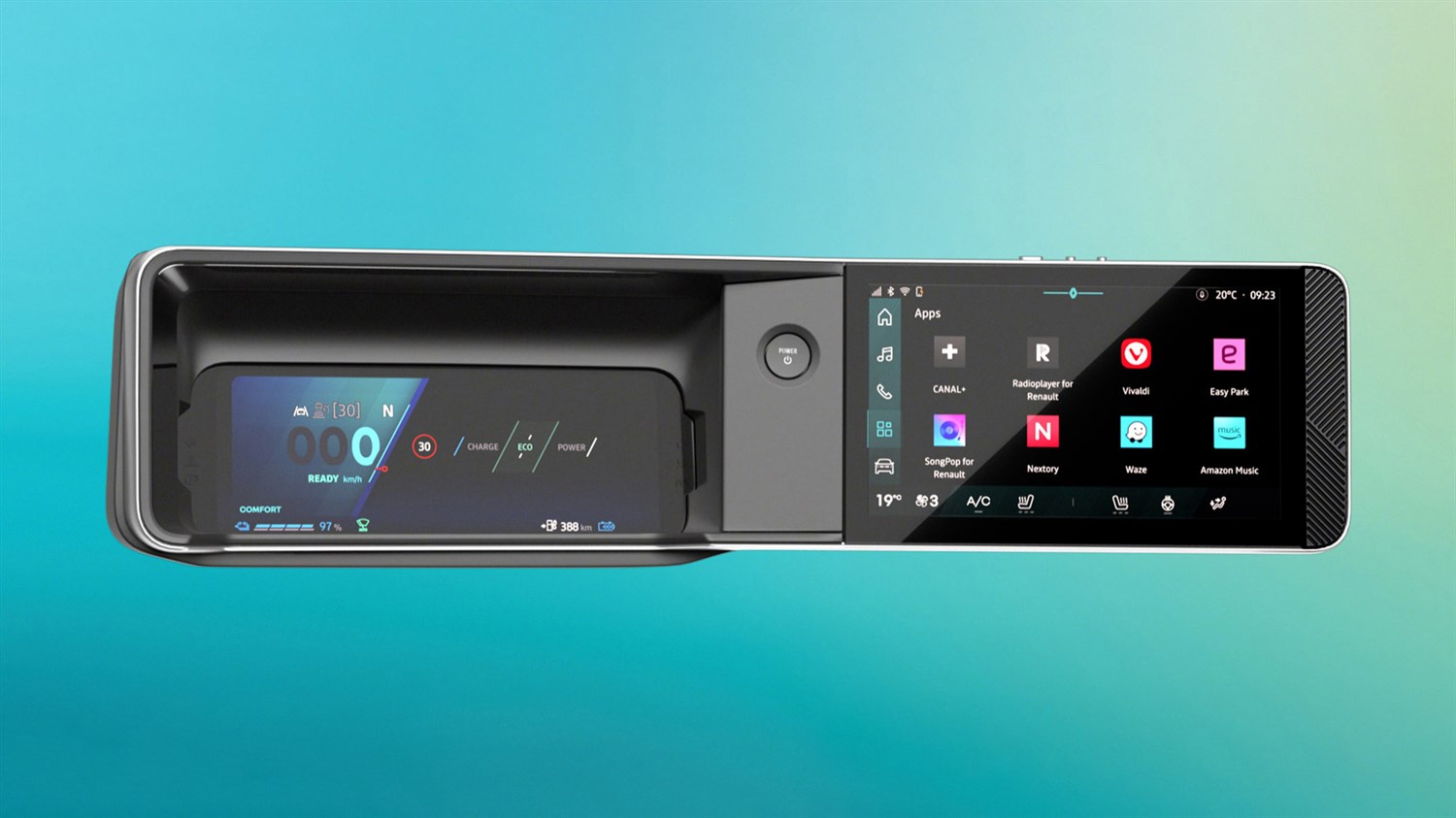
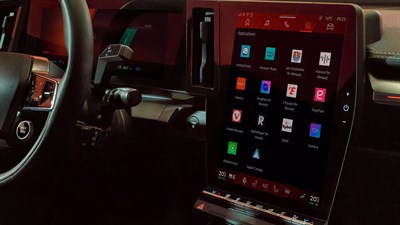
The multimedia system developed by Renault is customised, intelligent and intuitive. With Google built-in*, it gives you access to essential functions on the road, such as Google Maps and Waze. Your vehicle with openR link opens up new roads.

The openR link multimedia system is available in 4 screen versions**.

  discover openR link

Renault multimedia systems

easy link

The easy link multimedia system offers essential connectivity features: navigation, remote vehicle management services and smartphone pairing.

discover easy link

R-LINK 2

The R-LINK 2 multimedia system has everything you need for simplified journeys, such as real-time traffic information with TomTom. Discover what R-LINK 2 can do for you.

discover R-LINK 2

Media Nav Evolution

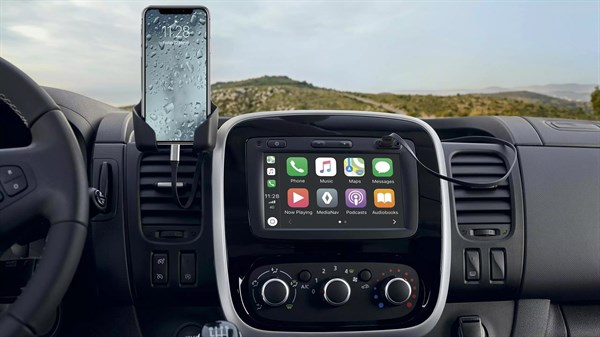
From touchscreen to voice recognition, Android Auto™ and Apple CarPlay™, Media Nav Evolution offers features to suit all your journeys.

discover Media Nav Evolution

R-LINK Evolution

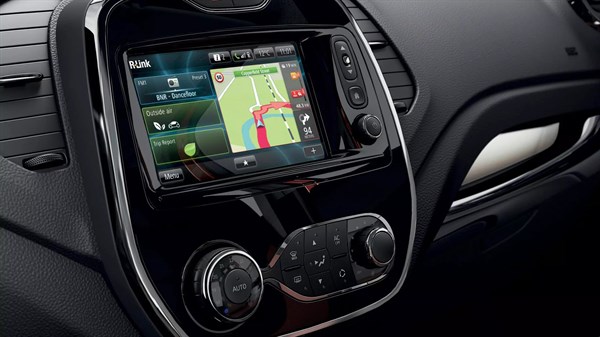
TomTom, Coyote Series®, Renault driving ECO2 and many other connected services with the multimedia system R-LINK Evolution. Discover them all.

discover R-LINK Evolution

Radio Connect R&Go

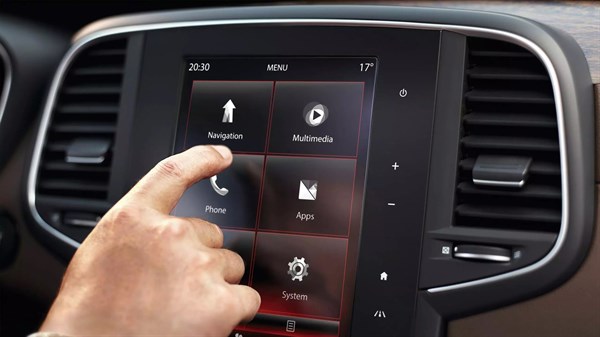
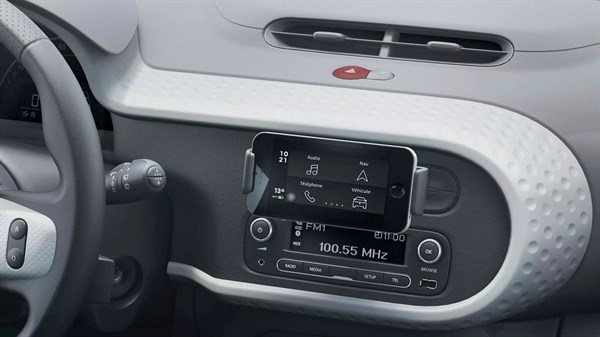
The Radio Connect R&Go app, available on Google Play and Apple Store, lets you take control of your vehicle’s multimedia system in an ergonomic and intuitive way, with its 4 buttons: phone, audio, vehicle and navigation.

discover Radio Connect R&Go

online help

also discover

*Google, Google Play, Google Maps, Waze and other brands are trademarks of Google LLC.

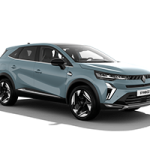
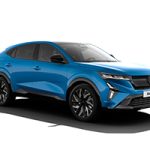
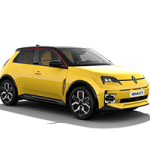
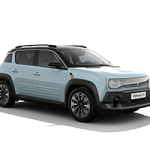
**The 12” screen is available on Rafale, Austral, Scenic and Megane models. The 10.4” screen is available on the following models: Symbioz and Captur. The 10.1” screen is available on R5 and R4 models. The 9” screen is available on Megane, Austral and Scenic models, depending on version.
home
Renault Connect

your Renault‘s essentials in one app

discover My Renault  >

Renault onboard manuals

discover the onboard manuals  >

reno, Renault’s official avatar

your intelligent travel companion

“Hey reno”

I’m reno, shall we hit the road?

Getting to grips with your vehicle, simplifying your day-to-day life, answering your questions – these are just some of the tasks for Reno, Renault‘s official avatar. It is available in Renault 4 or Renault 5. Do you have a need or a question? Talk to it, it’ll talk back.

I simplify your daily life

Before, during or after your journey, reno is at your service. Ask it, for example, to program the charging and preheating of your vehicle, and it’ll be done. Take to the road with peace of mind, your vehicle is ready to go.

I have some ideas to help you

Based on your driving style or the road you’re on, reno suggests actions; all you have to do is say yes or no. If you’re in sport mode on a quiet road, reno can help you reduce fuel consumption by switching to eco mode.

I answer with precision

The reno avatar is equipped with ChatGPT-4o mini artificial intelligence. Even more powerful than the previous version, it provides you with ever more precise and relevant answers.

interact seamlessly with reno

reno the official Renault avatar responds to your requests, offers personalised recommendations and, with ChatGPT-4o mini, entertains you, all the while memorising the context for fluid, tailored exchanges. See some examples of voice commands for interacting with it.

reno has all the answers

I free up your hands

I prepare your journey

I’m entertaining and cultured

I look after you on your journeys

I look after your Renault

“Hey reno, close the front window.”
“Hey reno, how do I program a charge?”
“Hey reno, schedule a charge for Thursday.”
“Hey reno, how can I maximise my vehicle’s driving range?”
“Hey reno, what’s the recommended tyre pressure?”
“Hey reno, where can I see the charge status?”

“Hey reno, I’m meeting my mother-in-law for the first time, what gift could I get her?”
“Hey reno, do you have any tips on how to make this go smoothly?”
“Hey reno, take me to the nearest florist.”

“Hey reno, who painted ‘Liberty Guiding the People’?”
“Hey reno, where’s it on display?”
“Hey reno, take me there.”

“Hey reno, my son is revising past tenses. Do you have a technique to help him remember them faster?”
“Hey reno, tell me a story using them?”

“Hey reno, I’m in the Somme. What cathedrals can I visit?”
“Hey reno, which one do you recommend I visit first?”

“Hey reno, we’re going to Barcelona as a family, what’s this city’s culinary specialty?”
“Hey reno, can you give me an iconic monument to visit there?”
“Hey reno, take me there”

discover reno with

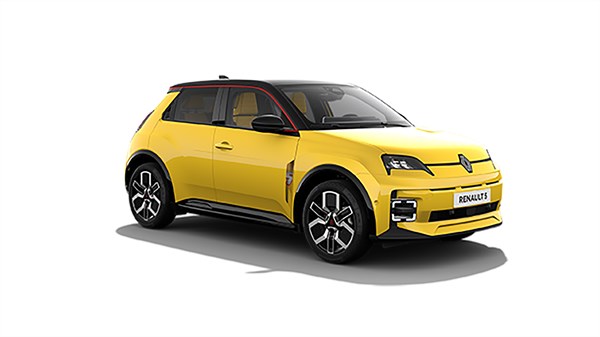
RENAULT 5 E-TECH ELECTRIC

discover  >

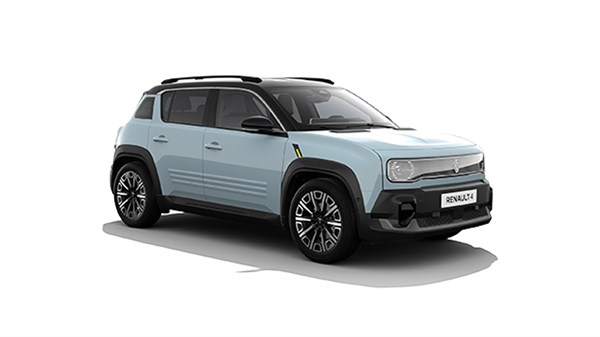
RENAULT 4 E-TECH ELECTRIC

discover  >

take the experience further with openR link

openR link with Google built-in

your vehicle with Google built-in

Renault vehicles equipped with the openR link multimedia system seamlessly integrate Google* apps and services for a connected driving experience: navigate with Google Maps, voice control with Google Assistant and download your favourite apps on Google Play.

*Google, Google Play, Google Maps, Waze and other brands are trademarks of Google LLC.

Google Maps navigation

optimised daily navigation for all your journeys

  find out more

Google Assistant

stay focused on the road and control your features using just your voice

  find out more

Google Play

your favourite apps can be downloaded and used directly from the dashboard

  find out more

latest-generation navigation

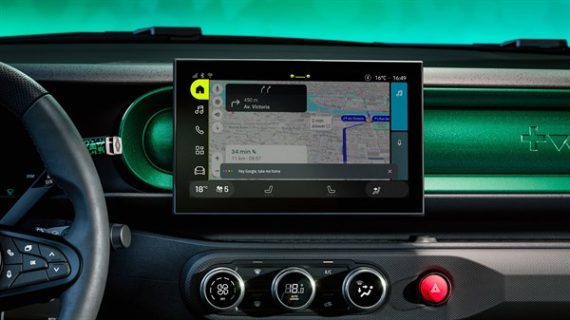
Sign into your Google Account on openR link and access your favourite addresses and your history, directly on the central screen.

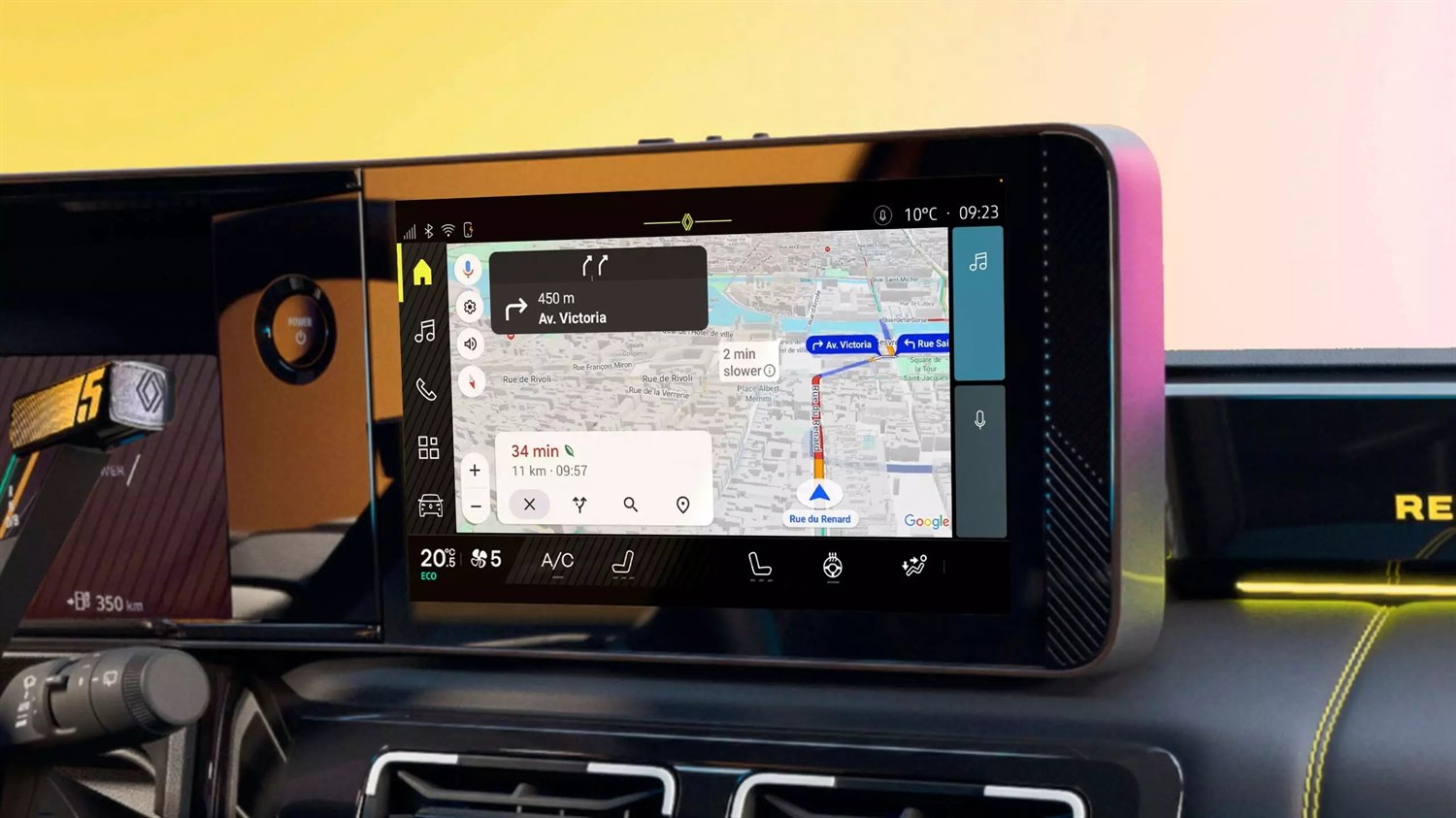
With Google Maps built-in to openR link, you can take the best route to your destination, with traffic information updated in real time. Advice is provided in the event of any disruption to your journey.

With the navigation performance of Google Maps and the constant evolution of the openR link system, your maps are always up to date. You can take to the road with complete peace of mind and accuracy with no surprises.

Personalise your navigation with your favourite addresses, your history and suggested itineraries when signed into your Google Account.

Send a planned route directly from your smartphone’s Google Maps app to your Renault’s openR link multimedia system. Users must be signed in with the same Google Account in the vehicle and their Google Maps app to perform this action.

The feature allows you to adjust multi-waypoint trips while navigation is in progress. The mapping system re-optimizes the route based on factors such as your remaining driving range, the availability of charging stations (including real-time occupancy data), and your preferences regarding charging speed, whether you prefer fast or slower charging options.

Maps provides eco-friendly routing globally for all vehicle types, including internal combustion and electric vehicles. This feature builds on existing experiences to help reduce CO2 emissions. Depending on your engine type-petrol, diesel, hybrid, or electric-you can choose the most fuel-efficient route. For instance, diesel engines are more efficient at higher speeds, while hybrids and EVs excel in stop-and-go traffic.

By utilising this eco-friendly routing option, you can save money on fuel while contributing to a greener environment. Enjoy the benefits of optimised routes tailored to your vehicle’s performance.

Google Maps provides a convenient platform for drivers to enhance their travel experience. You can report incidents, receive alerts, and even vote on existing reports in real-time while on the road. Google Maps app allows for the reporting of eight different types of incidents, including accidents, speed traps, and traffic congestion, although availability may vary based on local laws and regulations.

A user-friendly triangle icon serves as the entry-point for reporting incidents. This feature allows you to stay informed, make more informed route choices, and potentially avoid unexpected delays or hazards during your journey.

The new routing feature of Google Maps allows you to adopt safer routes during winter events. It avoids directing you onto unmaintained county roads and forest paths in adverse weather conditions, instead favouring high-priority roads that are often monitored and plowed. This optimisation also helps to avoid roads likely to be covered in snow, opting for safer paths rather than the fastest ones. Connected to real-time weather data, it won’t guide you onto small, unmaintained roads during snow or heavy rain.

This helps you stay informed, make better route choices, and potentially avoid unexpected delays or hazards. Additionally, it communicates road closure information on low-traffic roads to drivers within minutes of awareness.

optimised electric journey planning

your electric journeys made easy

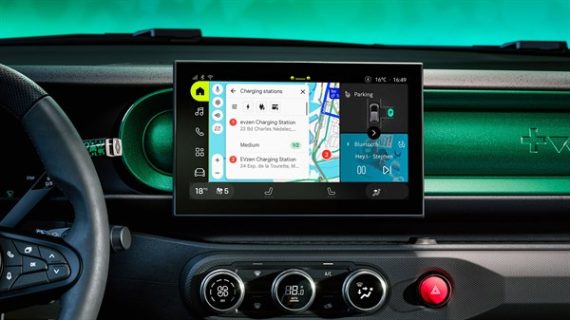
Google Maps has everything covered: charging stations on your route and the duration of your stops. Once on the road, it continues to adapt in real time, recalculating your route according to your energy or fuel consumption, traffic conditions and preferences.

Charging points, traffic jams, disruptions on the road, battery temperature, driving range – your route is planned, updated and recalculated throughout your journey. All your journeys are organised and optimised.

Enter your usual charging points (such as your home and/or workplace), specify the type of charging you’re interested in (fast or standard) and mention your preferred method of payment, and your system will automatically personalise your journeys.

By default, Google Maps suggests suitable charging points and plans an optimised route. You can then modify it according to your preferences by changing the order of the stops or replacing them with others: Google Maps adapts in real time, as often as you like.

By planning your journeys with Google Maps, the battery will be pre-conditioned to bring it up to an ideal temperature, enabling you to recharge faster and optimise your itinerary.

Google Assistant

voice control with Google Assistant

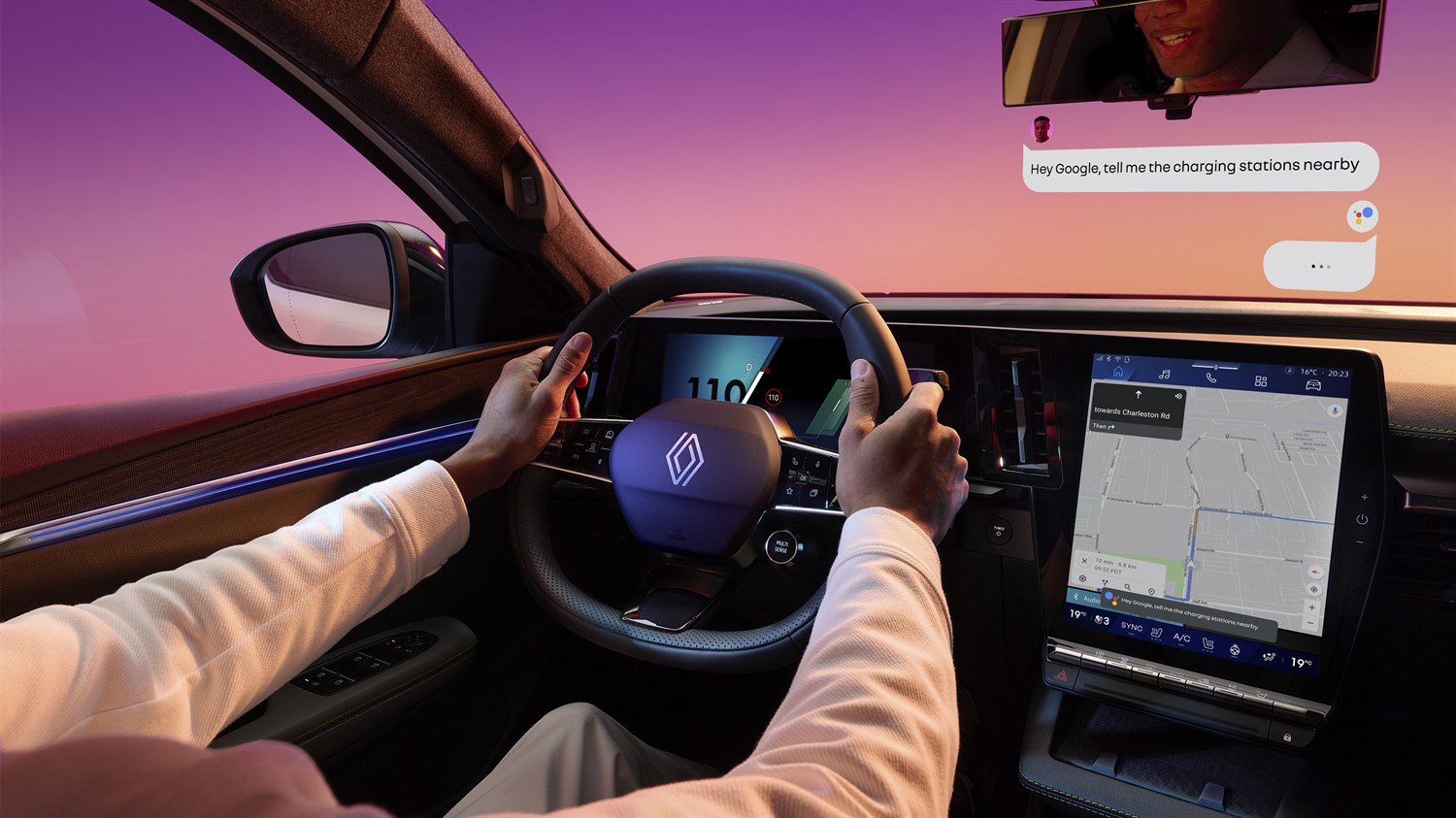
Make calls, play your music, find your route, and more – all with just your voice. Enjoy a safe, intuitive experience while staying focused on the road. Just say, “Hey Google” to get started.

control vehicle functions

Talk to Google Assistant to control your vehicle*, get information on range and plan your journeys. Google Assistant makes life on board your Renault easier.

* depending on country and equipment level; some controls are only available in certain languages

To help you get the most out of your travels and your day, Google Assistant provides information and support on a range of topics.
For example, say:
“Hey Google, set the temperature to 21 °C.”
“Hey Google, turn on the recirculating air.”
“Hey Google, what’s the latest news?”
“Hey Google what is the current temperature?”
And Google Assistant responds and does what’s necessary.

Your driving experience changes in just a few words. For example, say:
“Hey Google, switch to ECO mode.”
“Hey Google, switch to sport mode!”
And that’s it.

With Google Assistant, you’ll always know the status and range of your battery.
For example, say:
“Hey Google, what is my battery level at?”
“Hey Google, how long can I drive for?”
“Hey Google, can I reach SFO?”
And Google Assistant responds.

Get behind the wheel and ask Google Assistant to plan your journey.
For example, say:
“Hey Google, how’s the traffic to work?”
“Hey Google, take me home.”
“Hey Google, where is the closest charging station?”
let the system guide you

Google Assistant for using solarbay.
For example, say:
“Hey Google, open the front solarbay.”
“Hey Google, lighten the sunroof.”
“Hey Google, lighten the panoramic roof.”
And Google Assistant adjusts your solarbay.

stay connected and entertained

With voice control from Google Assistant, you can stay focused on the road while having fun.

Music, podcasts, radio, streaming: Google Assistant helps you use your apps and the multimedia system.
For example, say:
“Hey Google, put on the rnlt© music lounge playlist by Renault.”
“Hey Google, play the radio.”

Stay in touch with friends and family without taking your eyes off the road: ask Google Assistant to make your calls and read or write your messages.
For example, say:
“Hey Google, message Dad.”
“Hey Google, read my messages.”
“Hey Google, call the medical centre.”

stay organised while on the go

Well-organised days, quick answers and practical home automation: voice control with Google Assistant lets you remotely control your connected smart home devices from your Renault.

Want to take stock of your appointments? Create a to-do list? Ask Google Assistant.
For example, say:
“Hey Google, what’s on my agenda today?”
“Hey Google, create a list called {To Do}.”
“Hey Google, remind me to buy bread at 7pm.”

Use Google Assistant to control your connected smart home devices from your Renault while on the go.
For example, say:
“Hey Google, open my garage door.”
“Hey Google, set the temperature at home to 20°C.”
“Hey Google, turn on the lights at home.”

Organise your breaks by asking Google Assistant to point you in the direction of nearby shops.
For example, say:
“Hey Google, ABC Coffee Shop opening hours.”
“Hey Google, show me coffee shops open now.”

Google Play

in-car apps

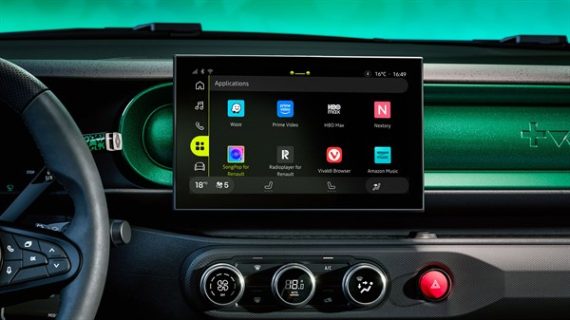
Access your favorite apps directly from the vehicle. Connect it to a Google account and download it from Google Play.

  find out more about available apps

take the experience further with openR link

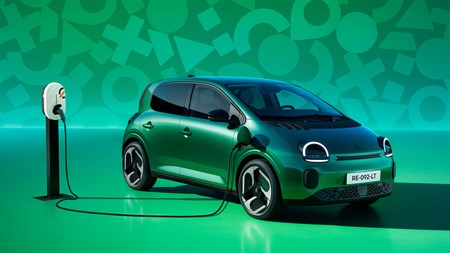
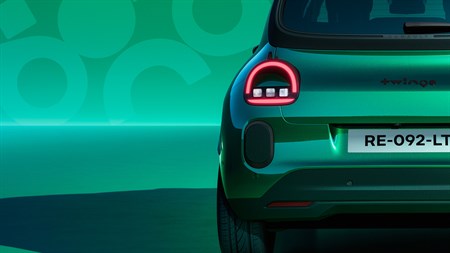
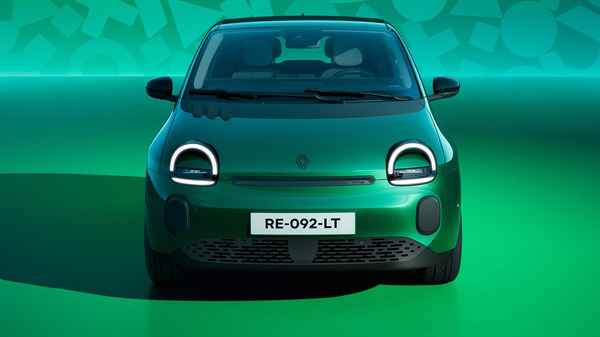
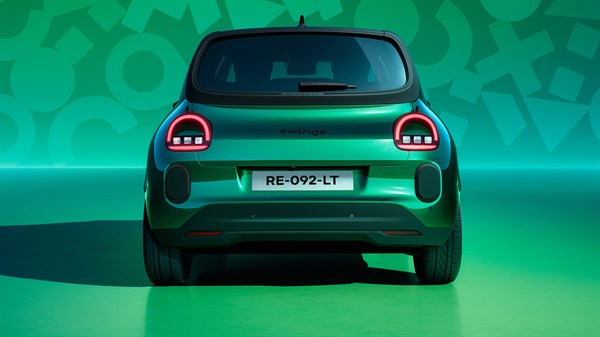
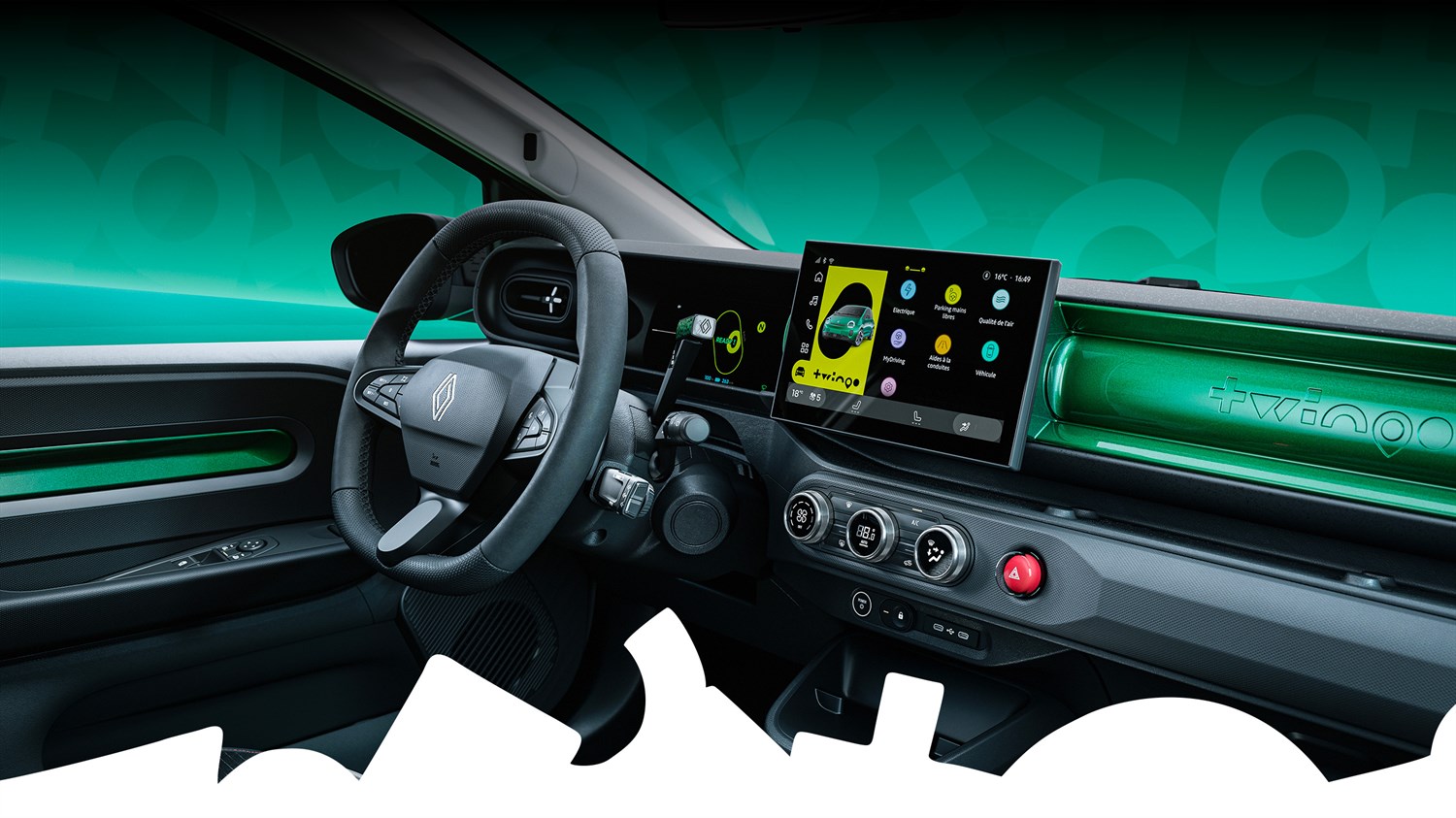
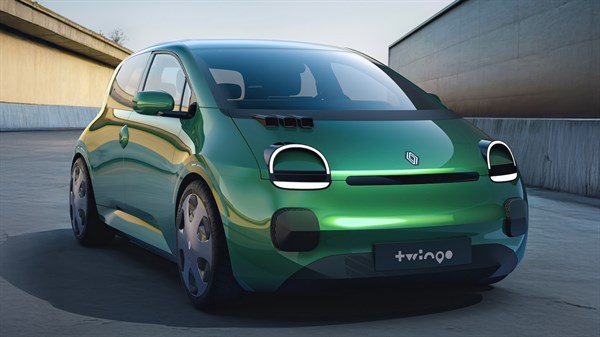
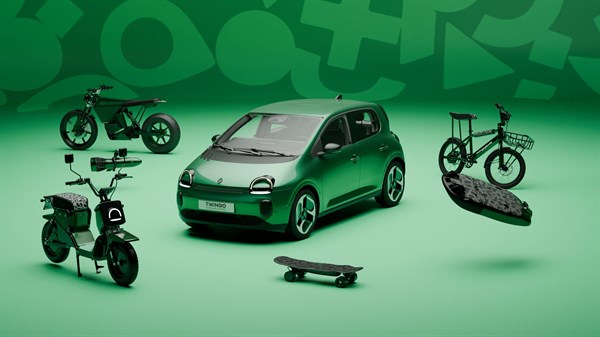
the Twingo spirit

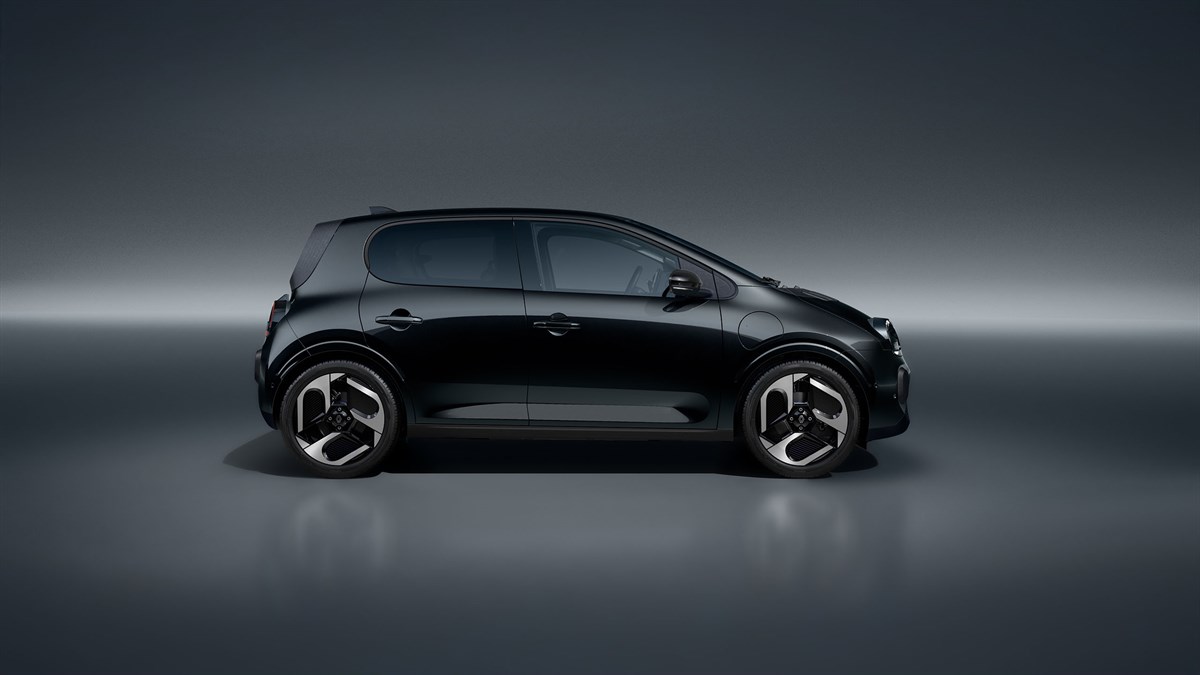
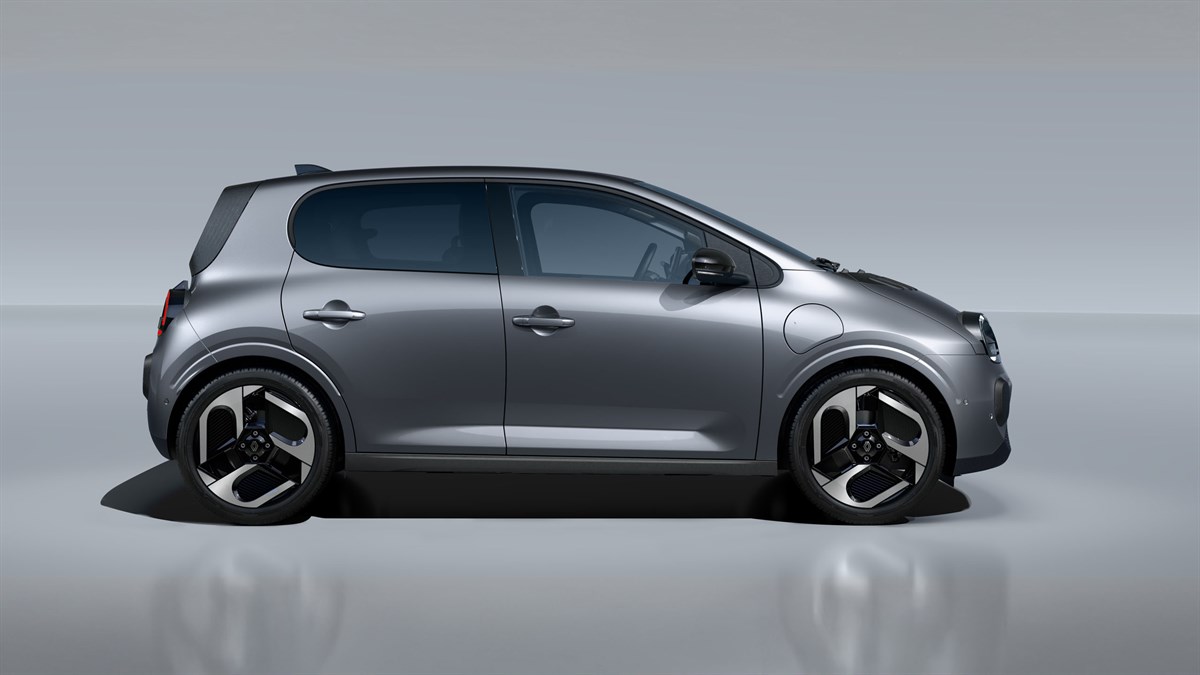
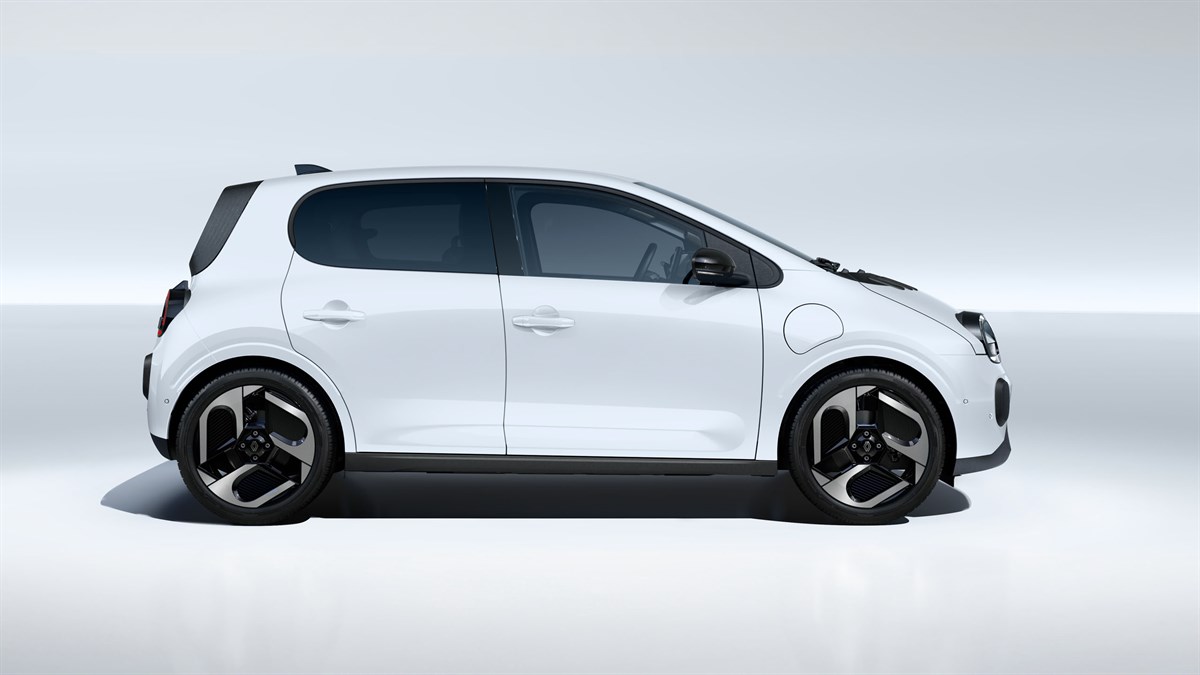
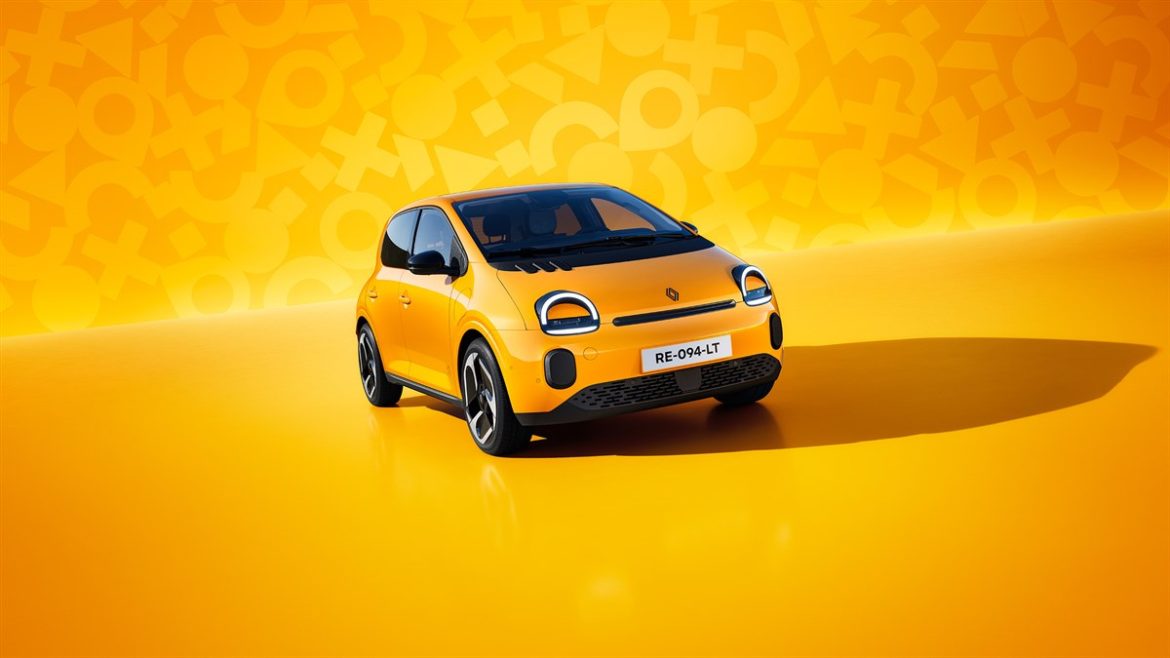
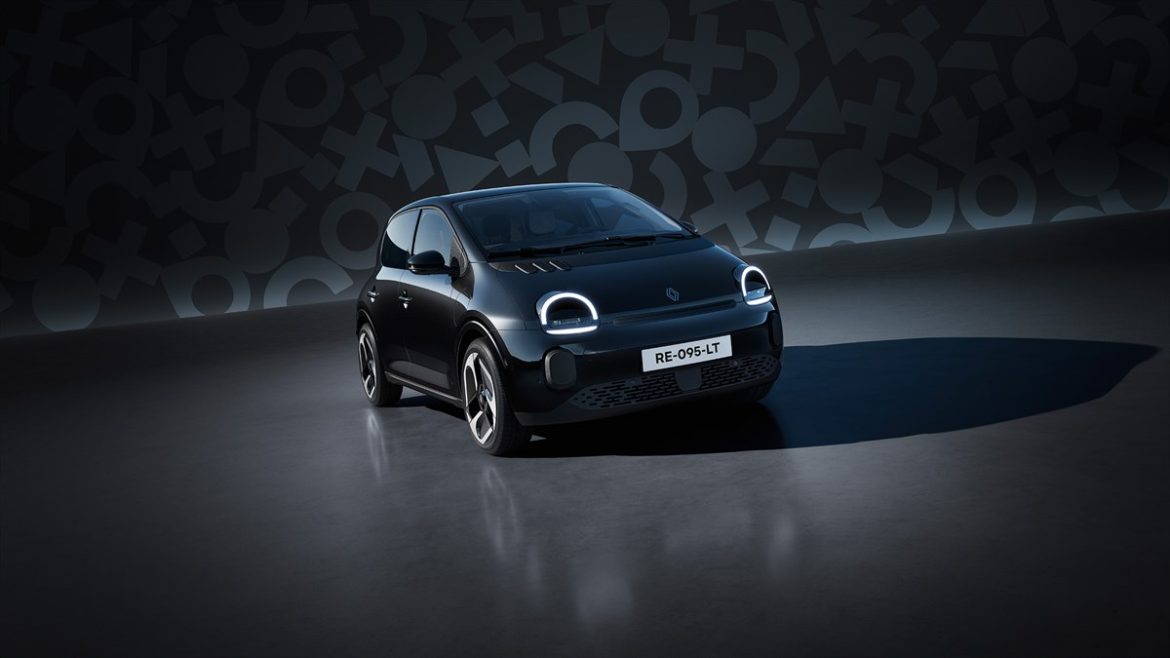
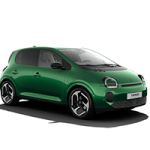
Renault Twingo E-Tech electric

full spotlight on design

Step behind the scenes of the Renault Twingo E-Tech electric design with Paula Fabregat-Andreu, Design Projects Director at Renault. An icon reimagined: bold, playful and modern.
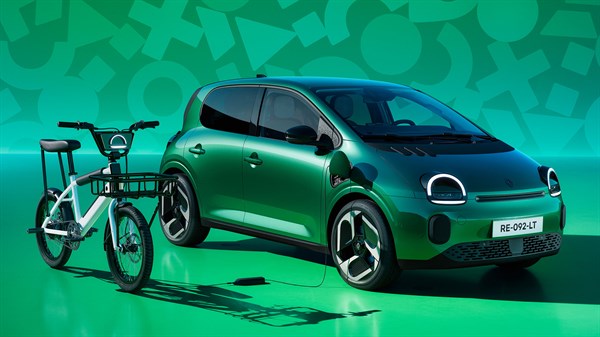
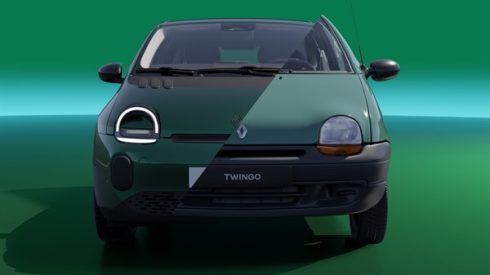
Twingo will always be Twingo

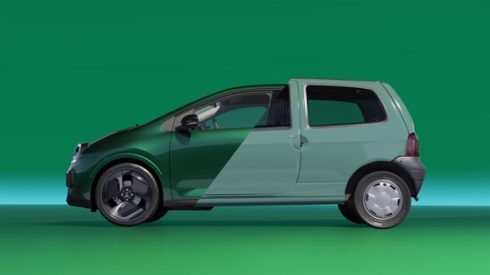
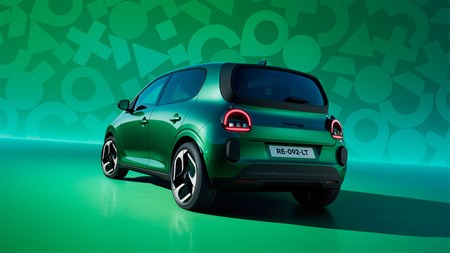
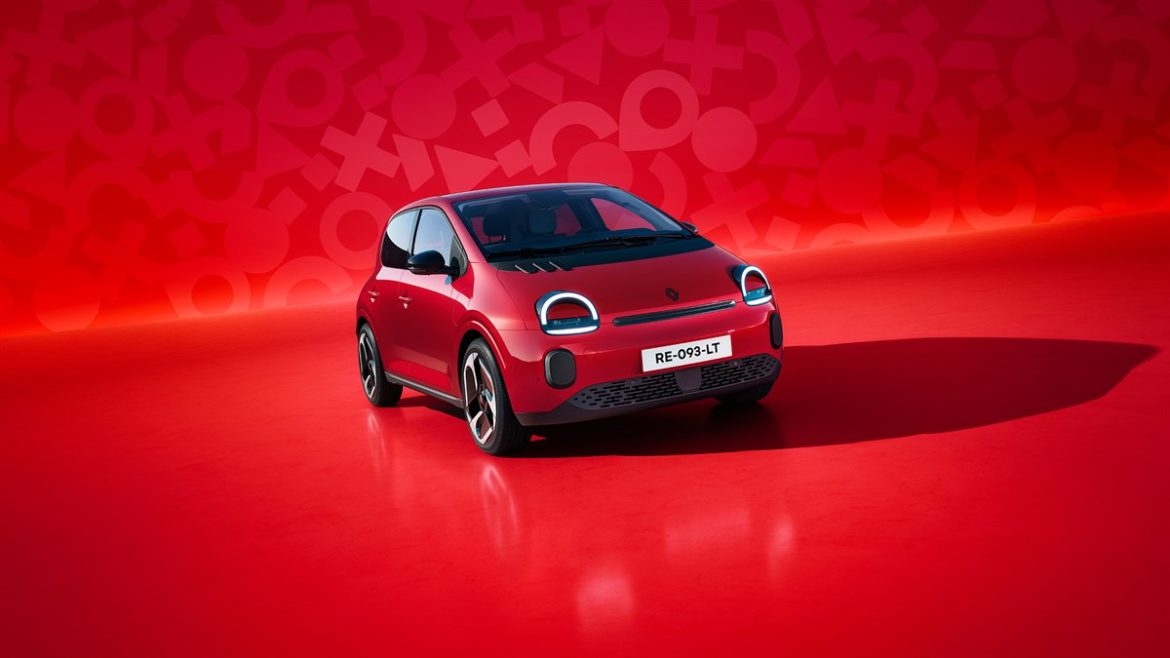
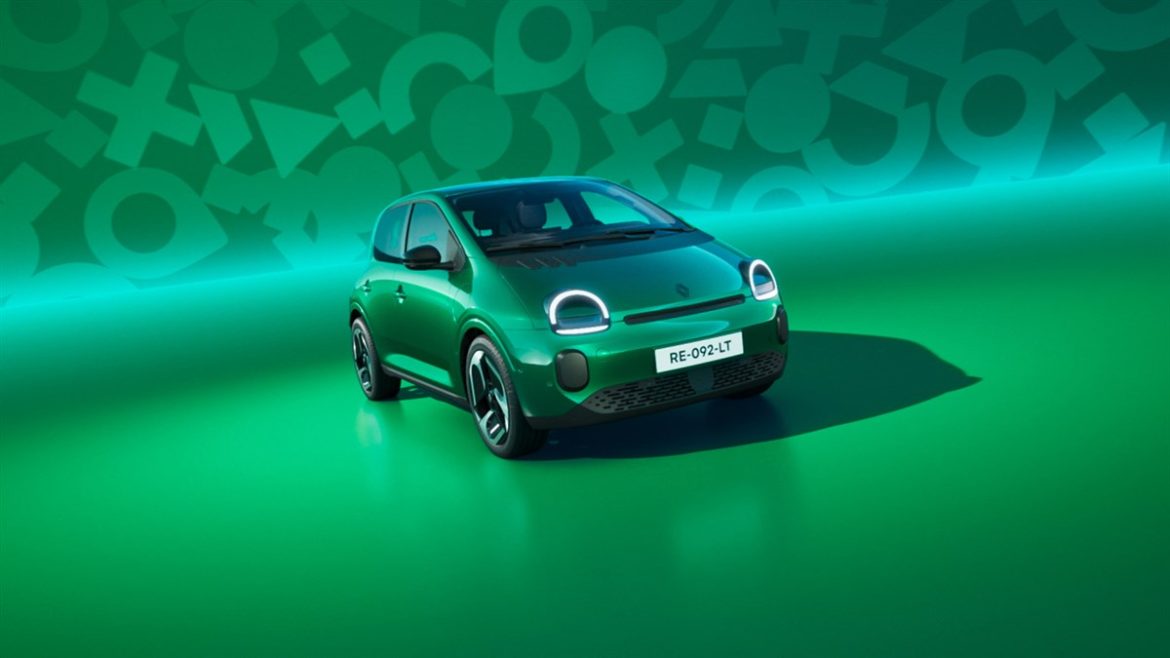
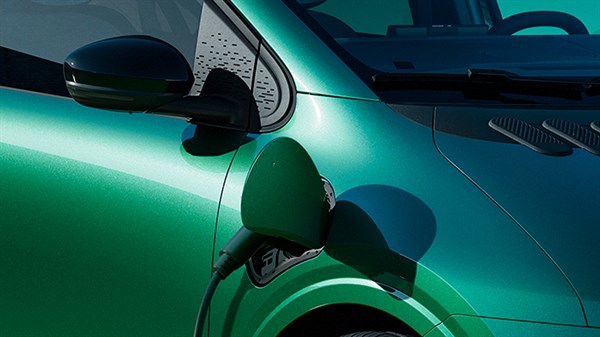
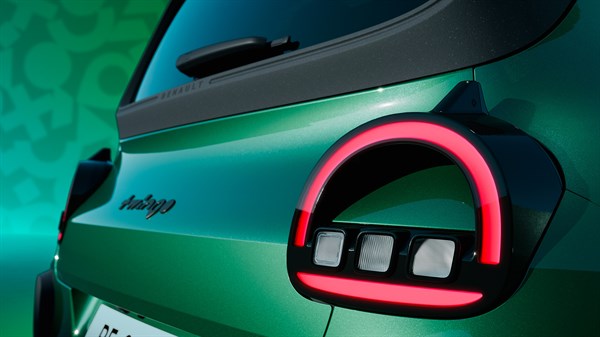
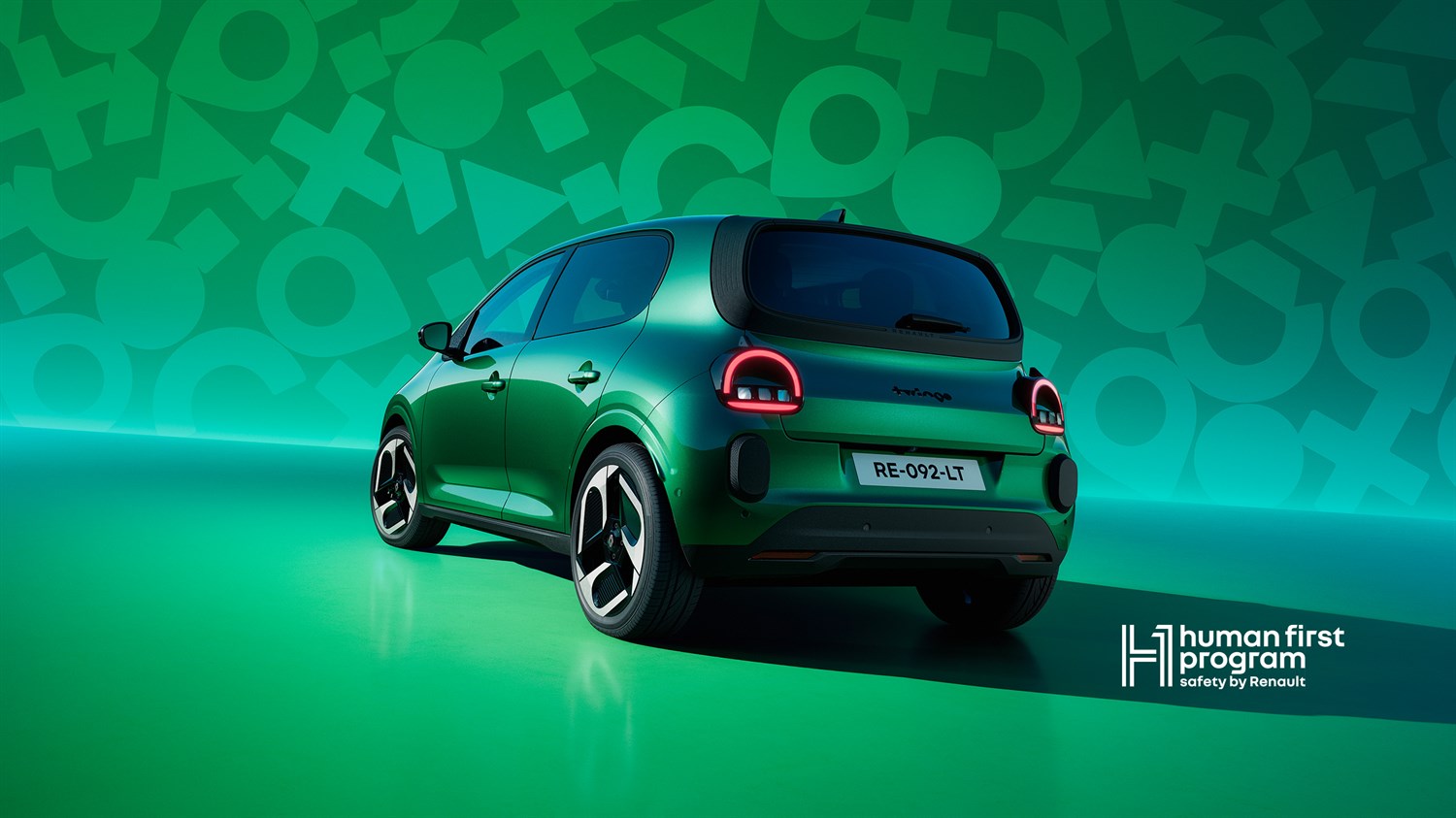
Faithful to its original spirit yet boldly modern, Renault Twingo E-Tech electric reinvents itself. More modern, more tech, but still unmistakably Twingo.

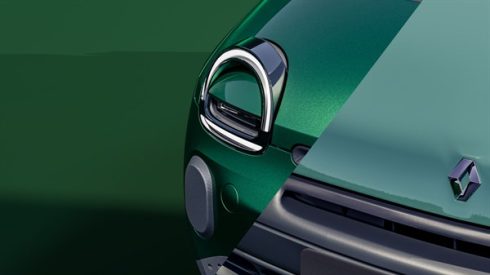
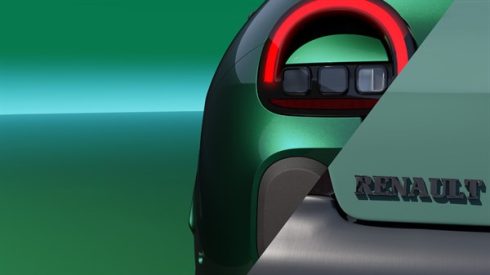
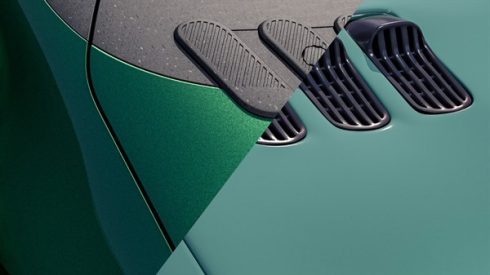
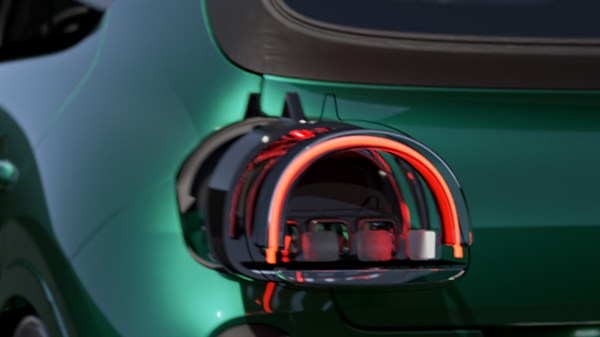
born in the ‘90s, reimagined for today

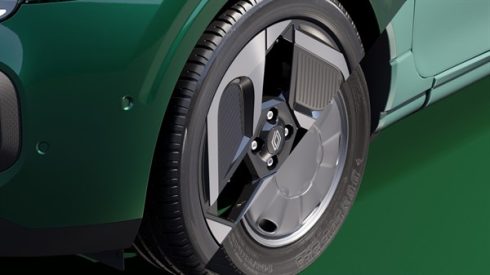
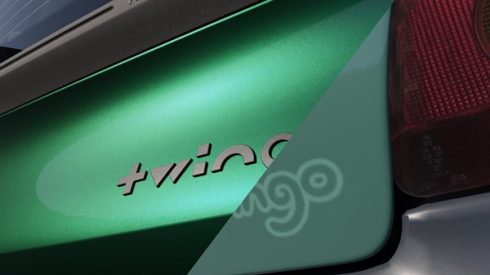
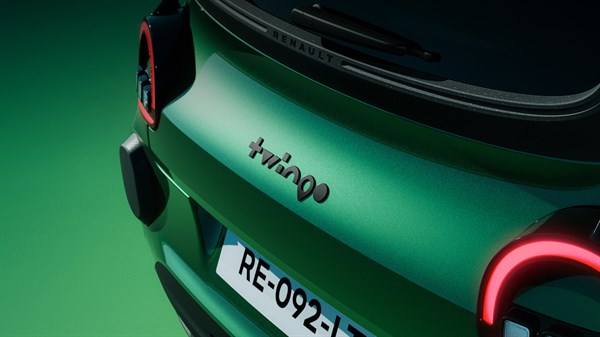
Every emblematic detail of the first Twingo has been revisited to combine heritage and modernity, linking yesterday’s icon with today’s innovation.

colour on board

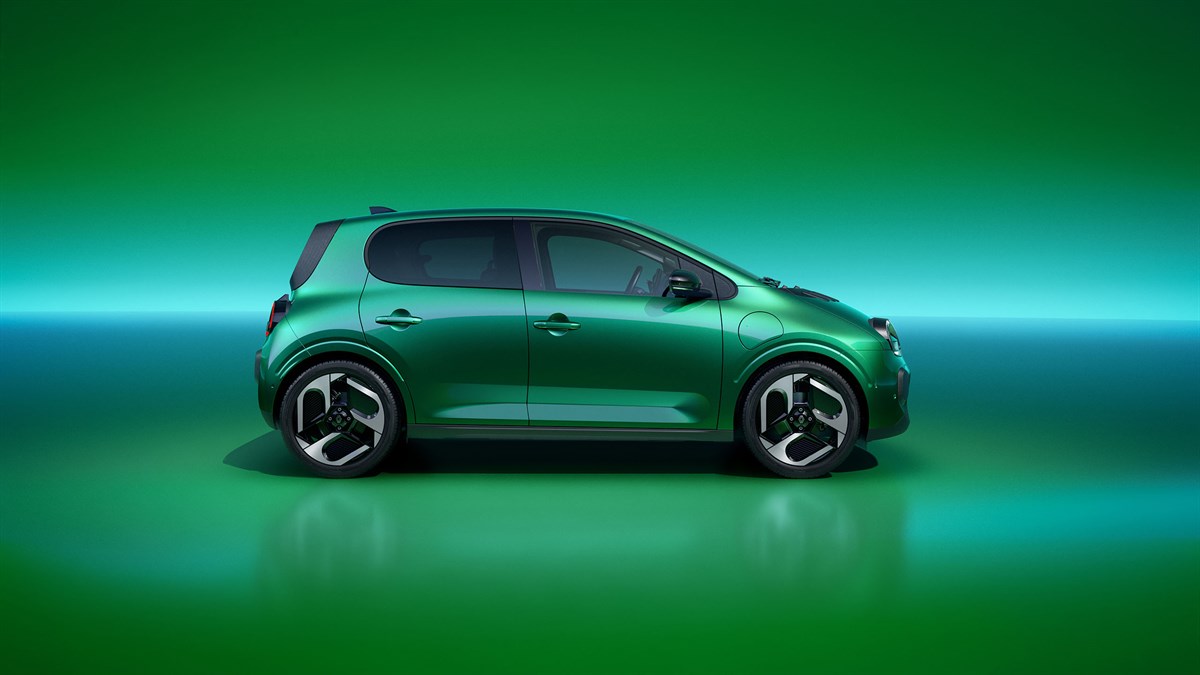
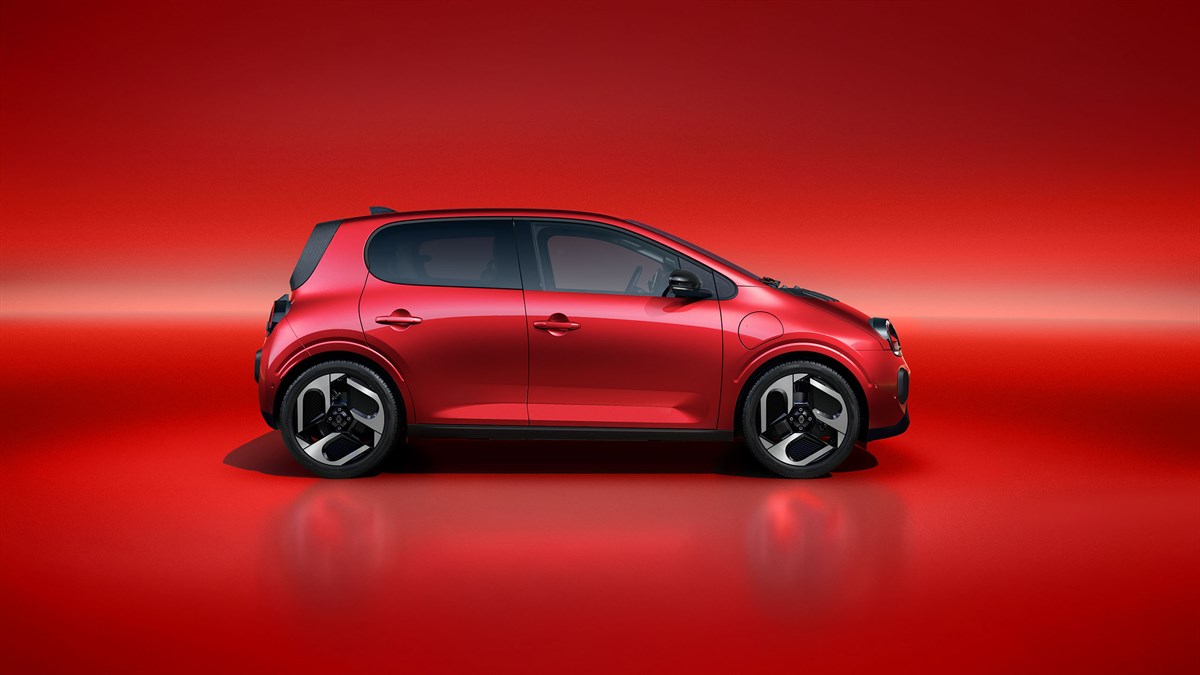
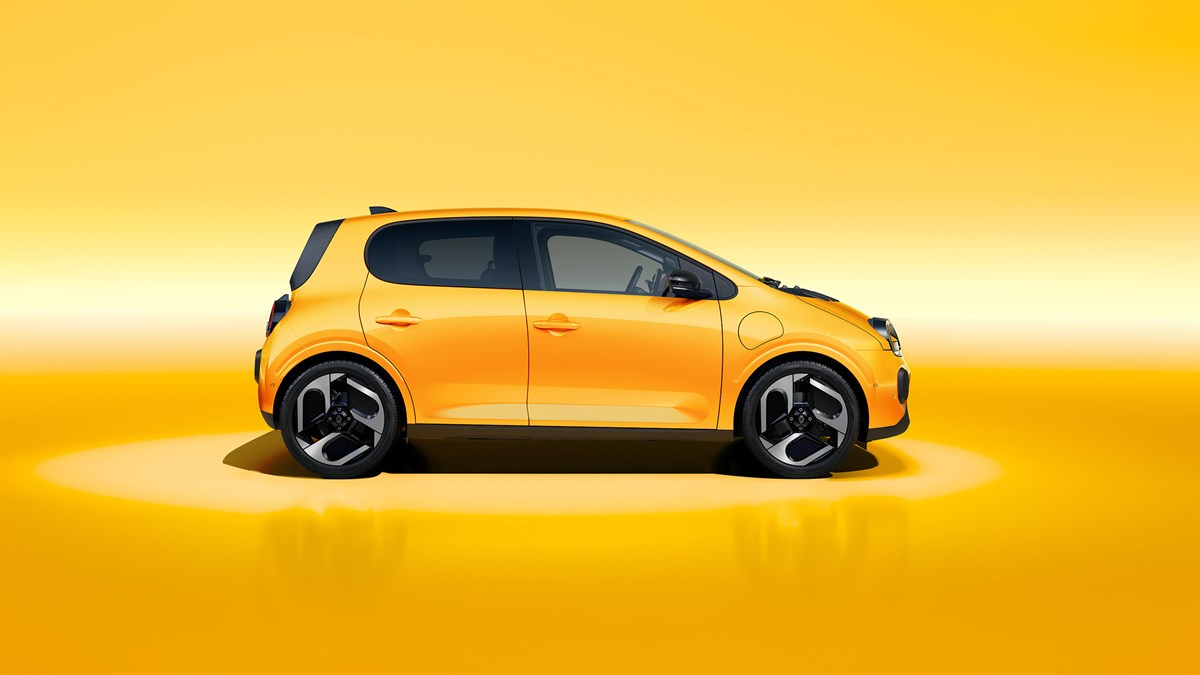
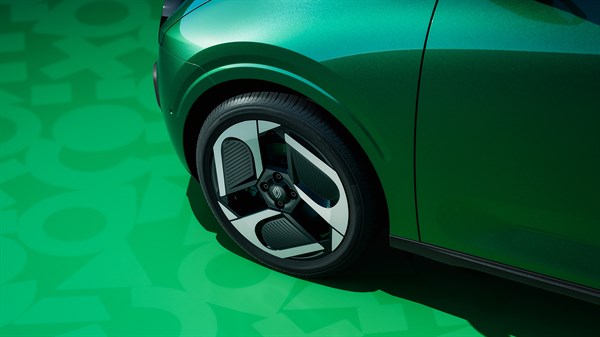
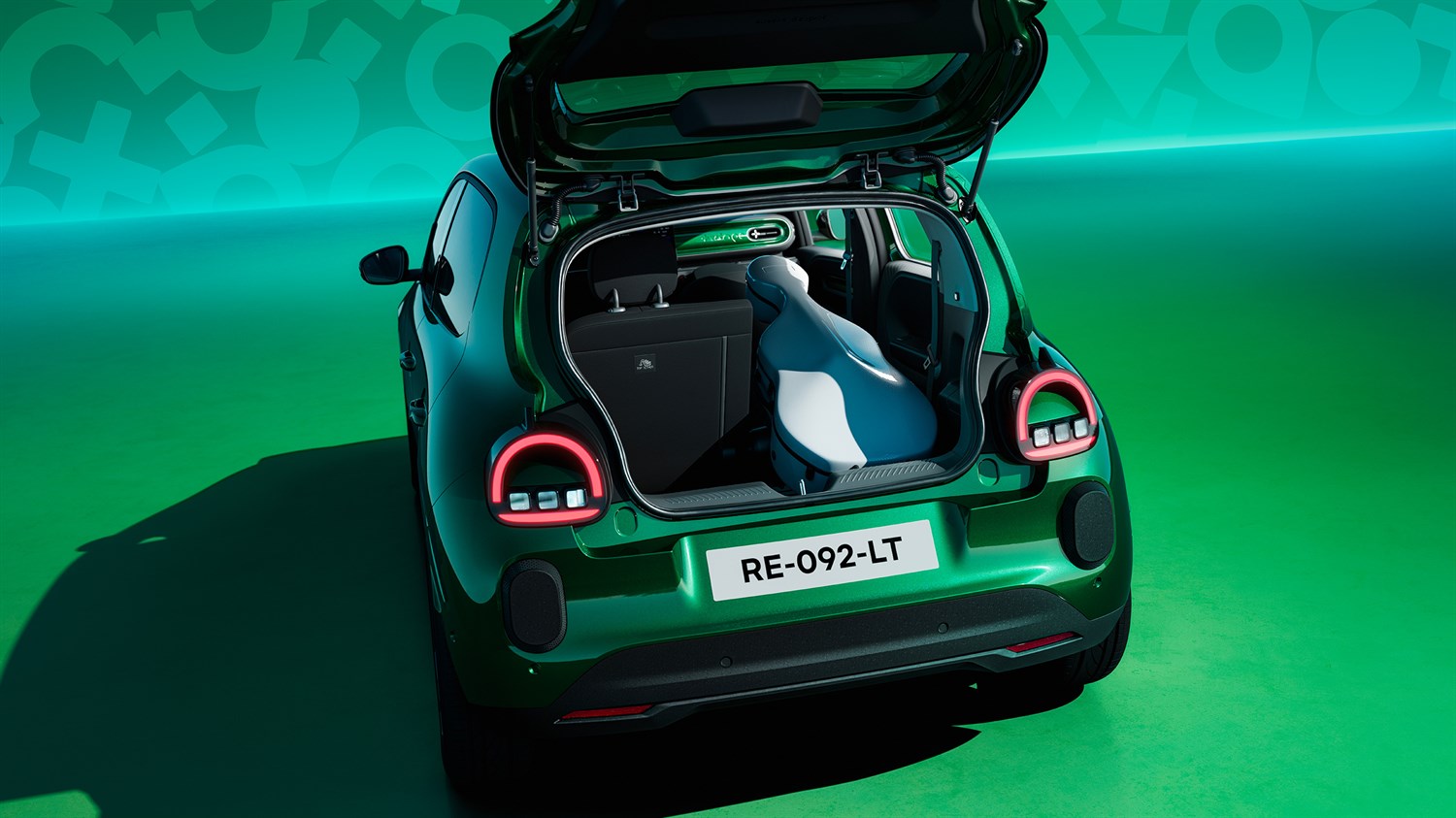
Each shade is carefully selected to enhance the lines of Renault Twingo E-Tech electric. A palette designed to reflect its optimistic, confident character, inside and out.

  • absolute green

inside and out

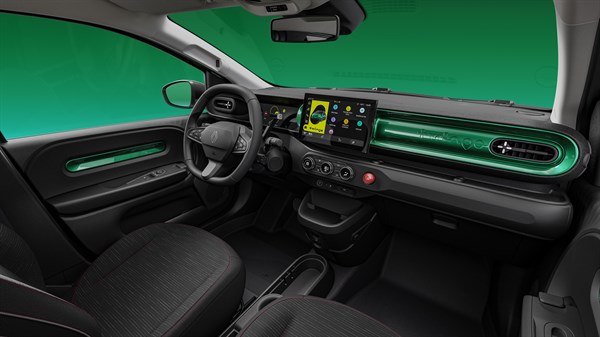
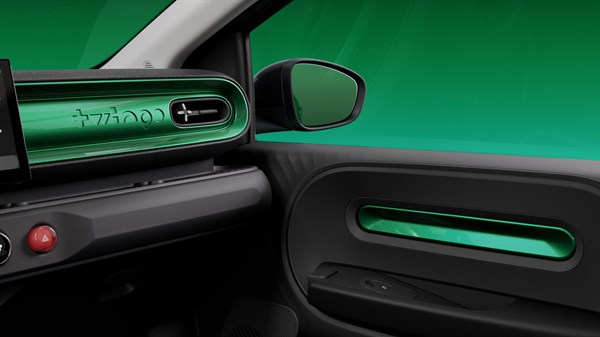
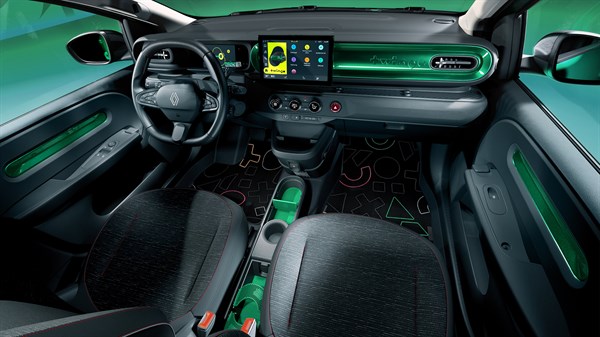
The dashboard features rounded contours and a floating design. It wows in the details, including the Twingo typeface and colour that echoes the exterior bodywork.

a well-placed nod

Just like the original Twingo, the body colour extends to the door panels.

well-designed gradient

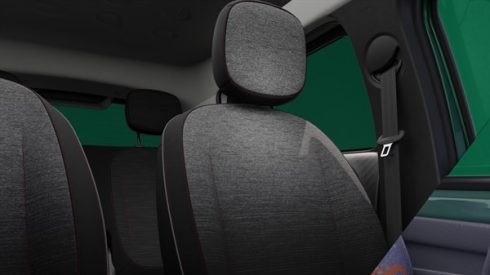
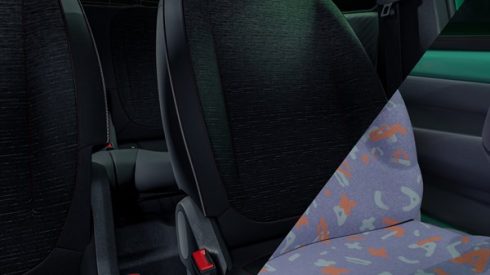
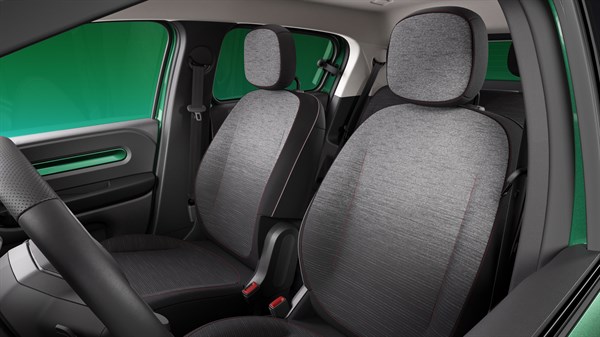
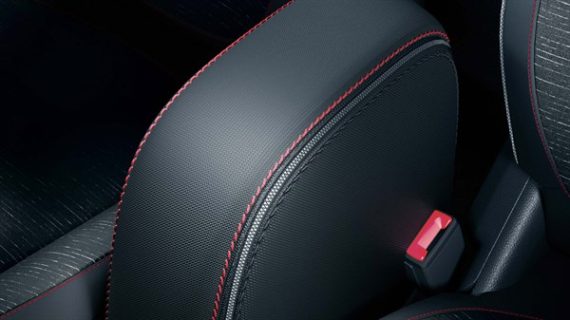
The softly contoured seats feature a textured fabric with a gradient pattern from grey to black², accented with red stitching.

hidden details

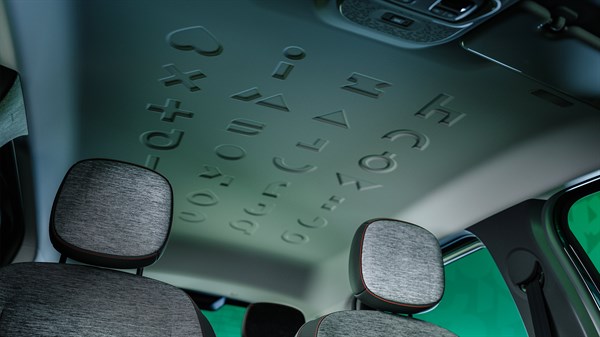
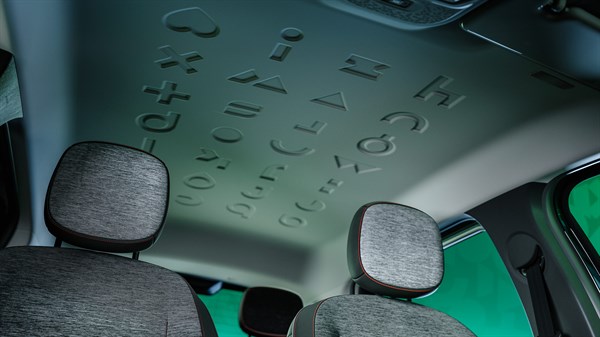
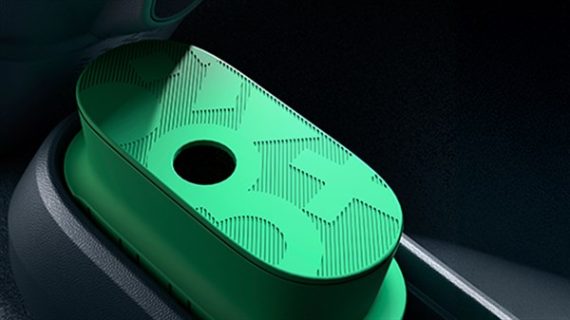
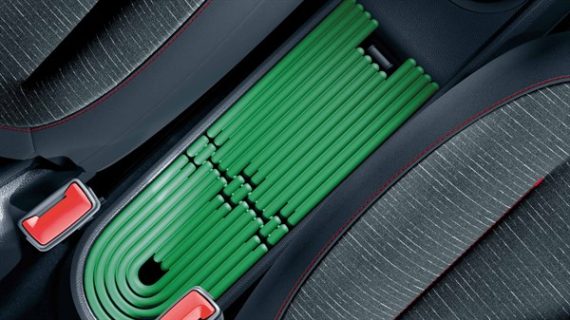
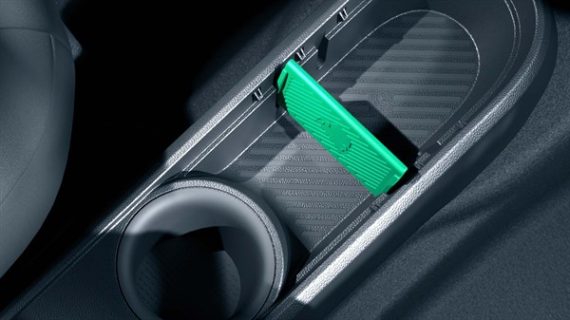
Inside, the Twingo spirit is tucked into every corner. Subtle patterns, playful references. Renault Twingo has fun, even in the details.

Twingo through and through

Cheeky and cheerful, the Twingo typeface adorns the headliner, in a graphic nod to its unique personality.

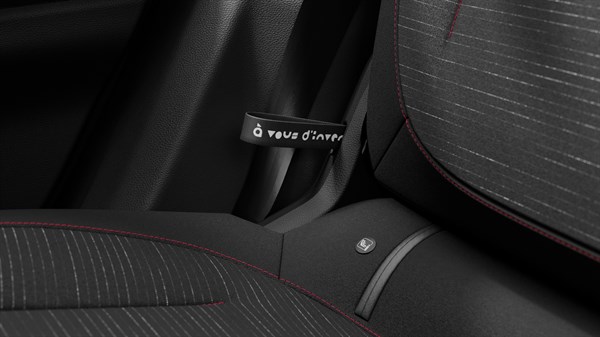
“it’s up to you to invent the life that goes with it”

The original Twingo signature makes a subtle return on the rear seat adjustment straps.

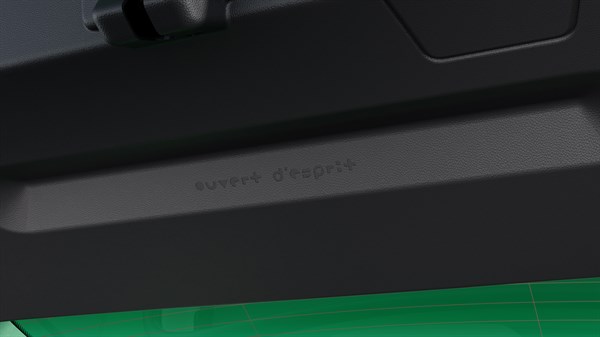
“open-minded”

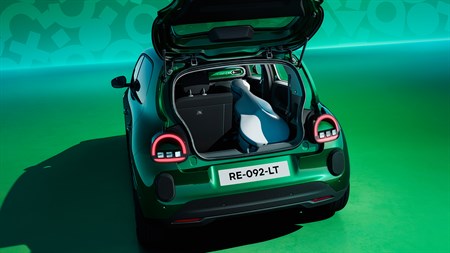
Renault Twingo‘s personality can be found everywhere, even inside the boot tailgate.

fun tech

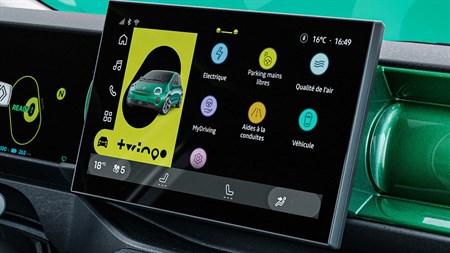
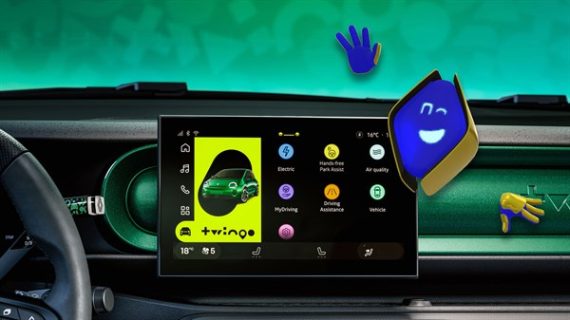
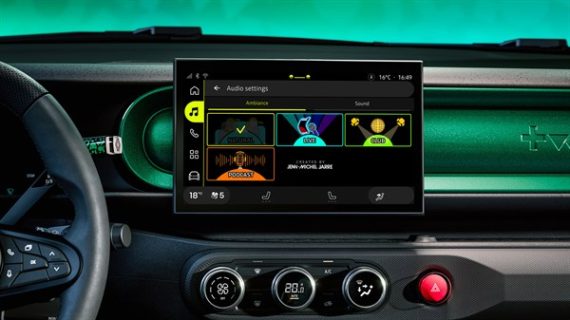
True to its cheeky DNA, Renault Twingo transforms onboard technology into a fun experience.

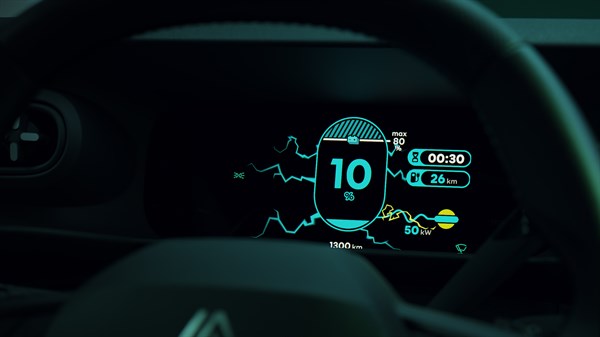
Every journey comes with a little surprise: a playful welcome animation when you start up, a blooming flower when you drive eco-consciously, and lightning bolts when charging is underway.

1 optional
2 depending on version
3 colours available in spring 2026